 seenow!
NEW!New in seenow! — Daycare note
Everyday photos.
Tomorrow’s daycare note.
“What did we do yesterday?”
The little moments you saved can help you remember.
Read your saved photos and videos.
Create text to copy into your daycare note.
 A moment at breakfast
 A block and a smile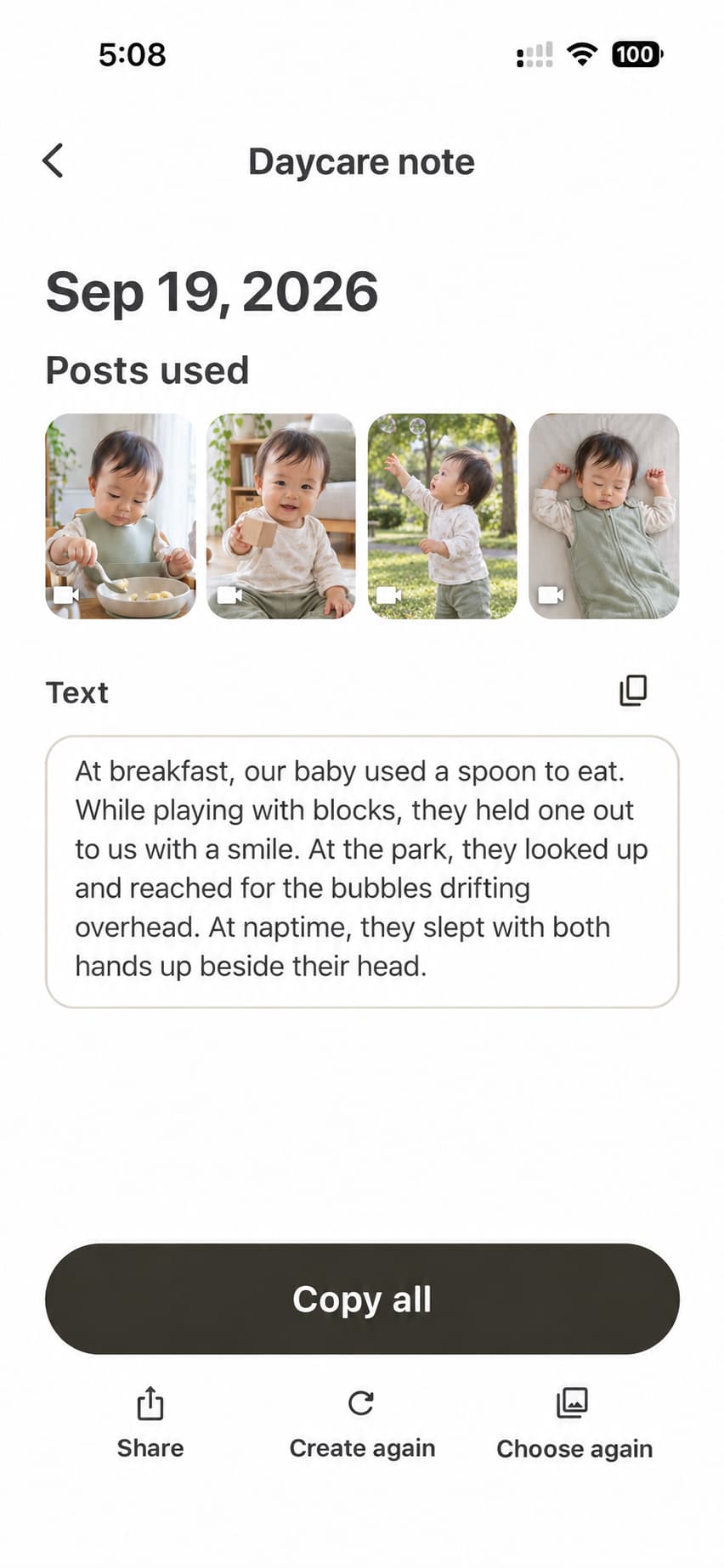
FROM MEMORIES TO WORDS
Keep the memories.
Get a little help with the words.
For mornings when you don’t know where to start.
Small moments in your photos become a draft for daycare.
01 Start with everyday photos

The example shown in the app
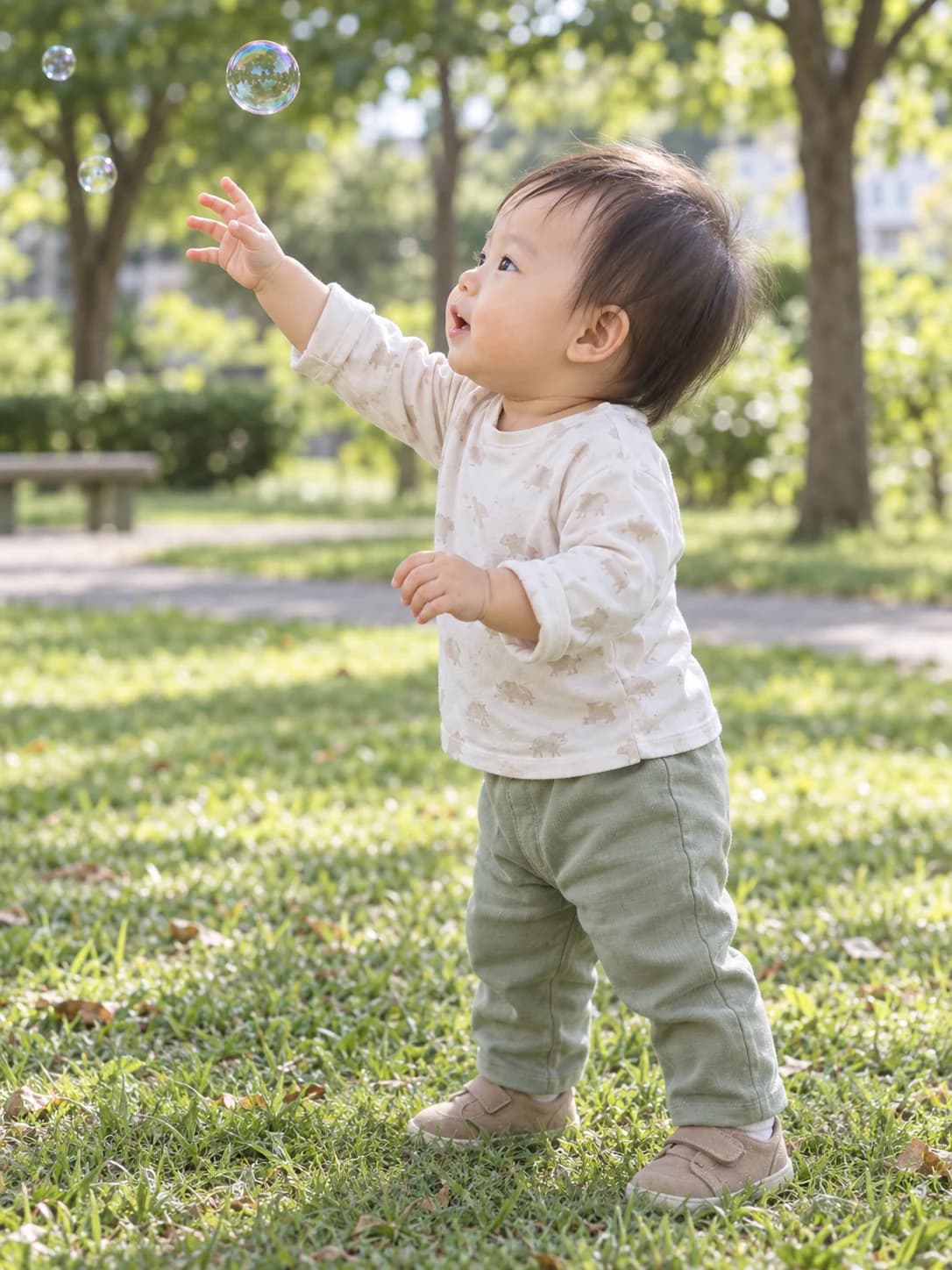
At breakfast, our baby used a spoon to eat. While playing with blocks, they held one out to us with a smile. At the park, they looked up and reached for the bubbles drifting overhead. At naptime, they slept with both hands up beside their head.
02 Make a note in the app
The photos are AI-generated examples. You can try copying the text.
This page does not upload or analyze your photos.
HOW IT WORKS
From everyday memories
to your daycare note.
- 01
Choose photos or videos
Choose photos and videos saved in seenow! Everyday meals, playtime and outings are enough.
- 02
Review the draft
AI turns what it can see into a draft. Check the details and add anything else you want to share.
- 03
Copy and paste
When the text is ready, copy it into your usual daycare app. Add a message for the teacher if you like.
A parent reviews the draft. Nothing is sent to daycare automatically.
GOOD TO KNOW
Good to know.
Q.What photos and videos can I use?
Daycare note reads photos and videos saved in seenow! Meals, playtime and outings can become a starting point for your note.
Q.Is the text sent to daycare automatically?
No. It’s a draft for you to review and edit. When you’re ready, copy and paste it into the daycare app or notebook you normally use.
Q.Can it describe things that aren’t in the photos?
The draft is based on what can be seen in your photos and videos. AI can make mistakes, so check that it matches what happened. Add health updates or messages for the teacher yourself.
Q.Can I upload my own photos on this page?
This page introduces the feature and lets you copy an example. Use Daycare note in the seenow! app to create text from your own photos and videos.
Daycare note
Turn saved photos and videos into text for your daycare note.