GUIDE
We live far from our grandkids and want them to see us too, not just the other way around. How do we record videos of ourselves and send them?
By the seenow! teamLast updated:
Use your phone's camera. Hold it sideways at eye level, face a window instead of sitting with your back to it, and keep each video short and about one thing, like a tour of your garden. Send it to a parent, who can play it when the kids are ready to watch.
WHY
Why this happens
In most long-distance families, the videos travel in one direction. Parents film the kids and send the clips to the grandparents, who watch and reply with a text. The kids rarely see their grandparents' everyday life: the kitchen, the dog, the tomatoes coming in, what Grandpa looks like when he laughs.
That distance is common. In AARP's 2019 Grandparents Today survey, nearly one-third of grandparents lived 50 miles or more from their nearest grandchild, and more than half had at least one grandchild living more than 200 miles away. Live video calls help, but they depend on everyone being free at the same time, across time zones and nap schedules.
A short recorded video fills the gap. The kids can watch it when they are in the mood, more than once, and the parents can pause it to talk about it. What stops many grandparents is not the idea but the making: how to look and sound clear on a phone camera, how long it should be, and how to get a video file to the kids.
HOW TO
What you can do starting today
Set up the shot once, and keep itNo app needed
Prop the phone on a stack of books or a small stand so it does not shake, and turn it sideways, which fits a tablet or TV screen better. Raise it until your eyes sit about two-thirds of the way up the screen, the framing the Library of Congress suggests for remote interviews. Sit facing a window or a lamp, never with one behind you, or your face turns into a dark shape. Midday light is the easiest. Use the same chair and spot every time, so setting up takes a minute.
Pick one topic per videoNo app needed
Young children follow one idea at a time. Good topics are small and concrete: show the birdhouse you are building, make pancakes the way you did for their parent, introduce the new puppy, or ask one question the kids can answer next time, such as "What did you dress up as this year?" A video that ends with a question gives the parents something to film back.
Keep it short and quietNo app needed
Preschoolers lose interest quickly, so stop when your one topic is done. Silence your phone first so a notification does not cut in, turn off the TV and the radio, and wear a solid-colored top, another tip from the same guide. If you stumble, just keep going and laugh. The kids like the mistakes.
Send it to a parent, and name itNo app needed
Send the video to one of the parents the way you already share photos, by text message or email, and write what it is in the message: "Grandma's pancake video for Mia." Short videos send more easily than long ones; if a long video will not go through, record it again in two shorter parts. Let the parents decide when to play it, and ask them now and then whether the kids are enjoying it.
WITH SEENOW!
Doing it with seenow!
seenow! is a family app where everyone in a private group posts a short clip, about 2 seconds, each day. It does not replace your longer videos, but it makes the sharing go both ways every day.
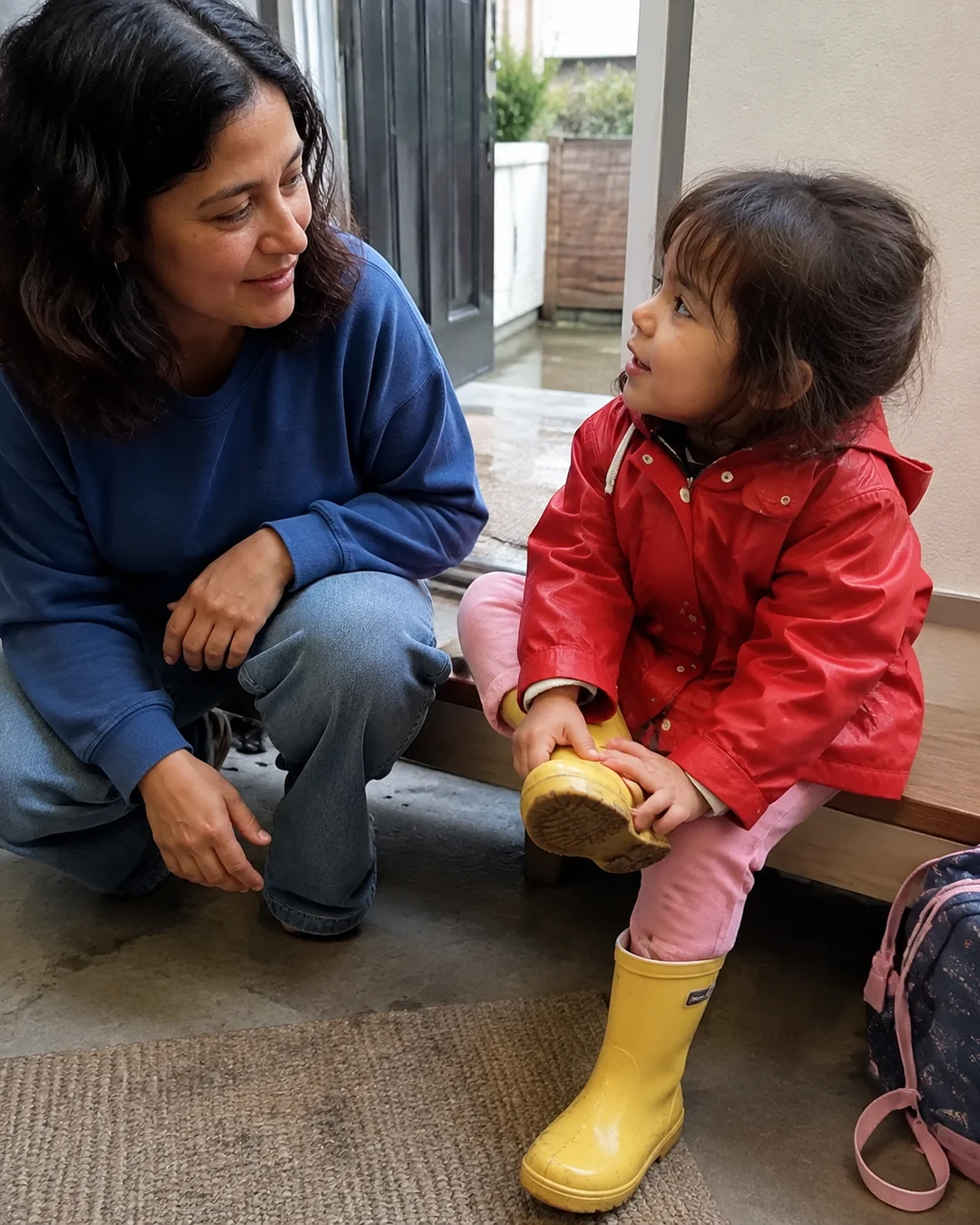
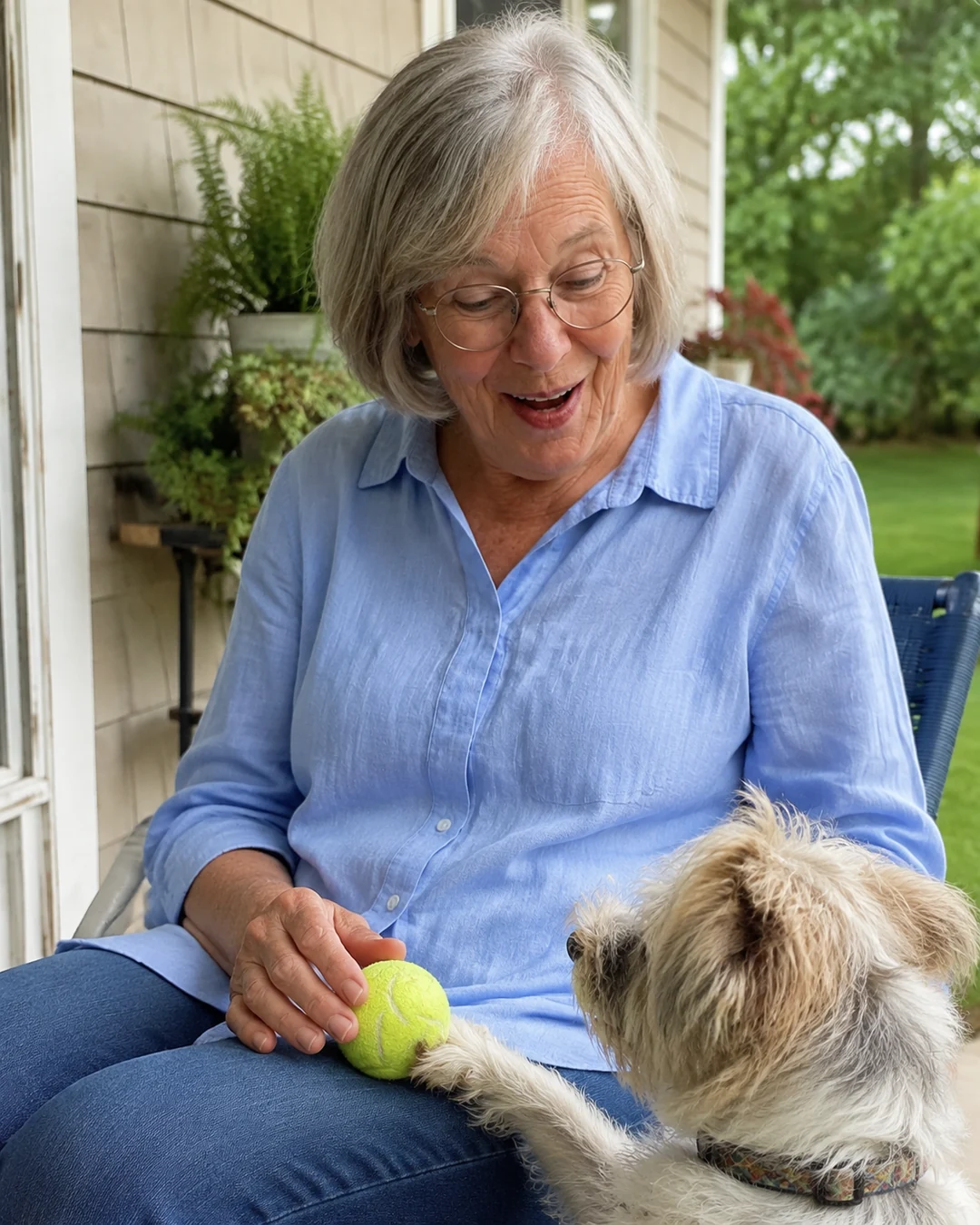
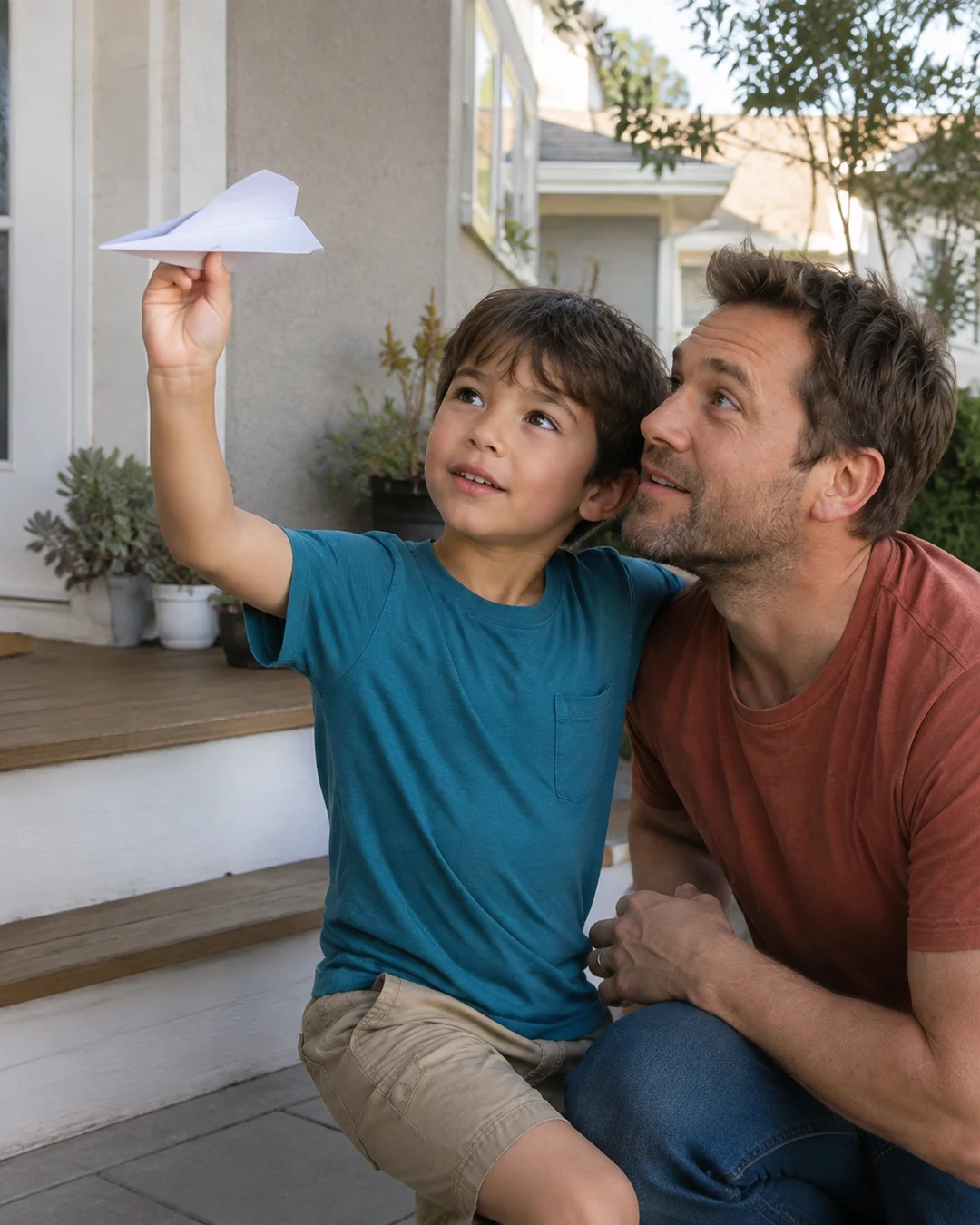
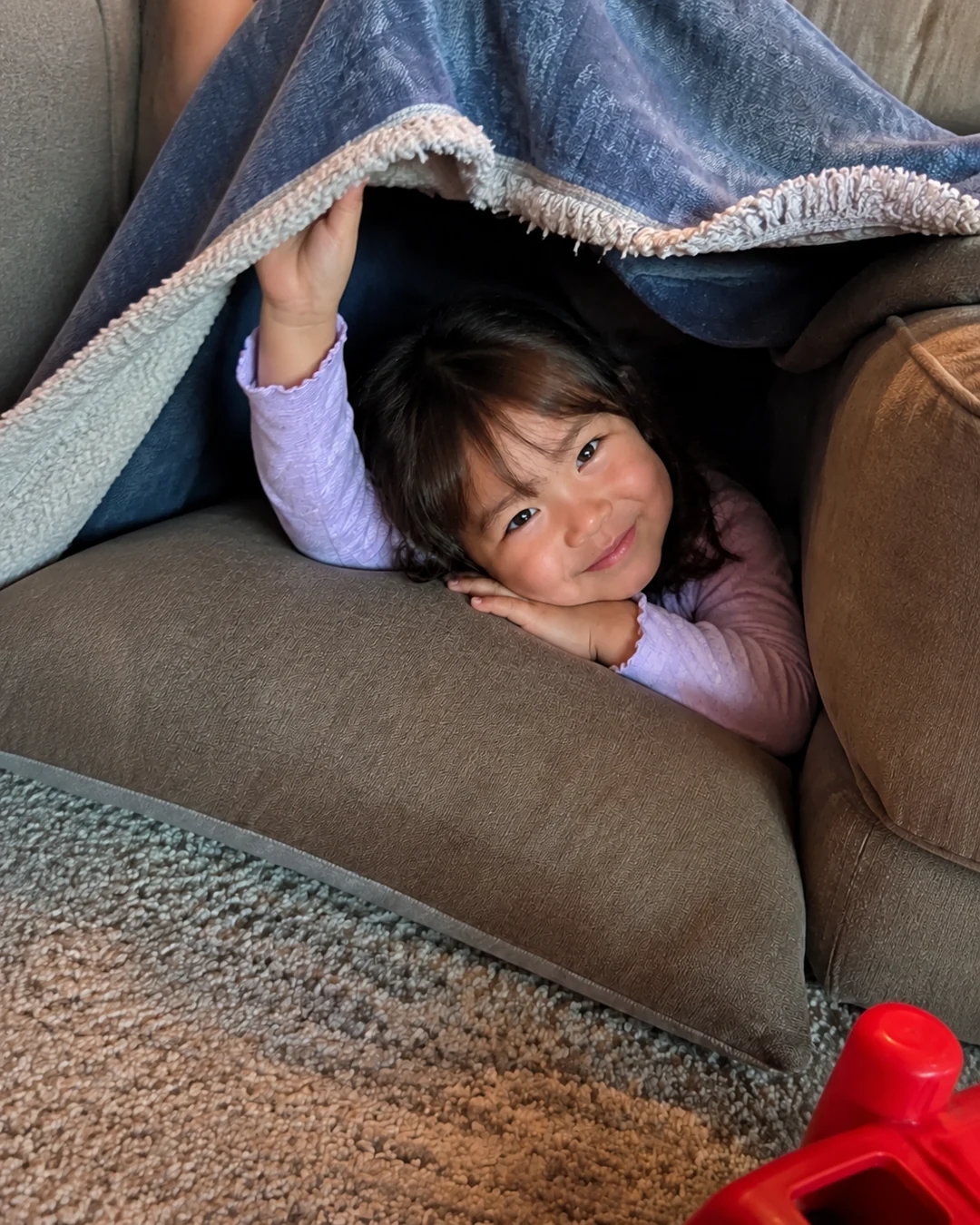
- Grandparents post their own 2-second clip right in the app: the morning coffee, the first snow, the dog at the door. The family gets a notification, and the kids see your day alongside theirs.
- Today's clips from the family stay blurred until you post your own for the day, which gives everyone, you included, a small reason to share something.
- The app has two main actions, take and watch, so there is little to learn.
What seenow! can’t do
- A 2-second clip is too short for a story or a question. Record those with your phone's camera and send them to the parents as described above.
Core features are free.
POINT
Things to watch for in this situation
Don't put the kids on the spot
Asking "Why don't you ever call Grandma?" in a video can make kids feel guilty. Keep questions light and easy to answer, and never expect a reply to every video.
Keep the videos in the family
Videos of your home, your street and the kids' names are for the family. Send them to the parents directly rather than posting them publicly.
FAQ
Frequently asked questions
How long should a video message for grandchildren be?
Short enough to stay on one topic. Preschoolers follow one idea at a time, and they can watch it more than once, and the parents can pause it to talk about what they saw.
What can grandparents talk about in a video for grandkids?
Show something from your day: cooking, the garden, a pet, a project in the garage. End with one simple question the kids can answer in a video back to you.
Why do I look dark in my videos?
There is probably a window or lamp behind you. Turn around so the light falls on your face, and record around midday if you can.