GUIDE
I want my kids to be able to look at the photos and videos I take of them for the rest of their lives, the way I can watch my family's old home movies. Is the cloud enough?
By the seenow! teamLast updated:
Not on its own. A synced photo library is one copy: delete a photo on one device and it is gone everywhere. Keep the cloud, but also export the full-size originals to a drive you own, keep a second copy away from home, and write your kids a short note saying where everything is.
WHY
Why this happens
Your family's home movies lasted because they were things: a reel or a tape in a box that someone kept. Phone photos are different. They live in an account, behind a password, inside an app that will change many times before your kids are grown. They are easy to take and easy to lose in ways a box of tapes never was.
The cloud helps, but a synced library is not the same as a backup. Apple's own support page says that when you delete a photo on one device, it is deleted everywhere you use the synced library, and that the library is not duplicated in your iCloud backup, so you should keep backup copies. A mistaken tap, a toddler with your phone or a locked account can reach every copy at once. Many phones also keep only smaller, space-saving versions on the device and leave the full-size originals in the cloud, so the phone in your hand may not hold the copy worth keeping.
Lasting a lifetime means three things: copies that do not depend on one company or one device, files in formats that will still open, and a way for your kids to find them when you are not there to explain.
HOW TO
What you can do starting today
Treat the cloud as one copy, not the archiveNo app needed
Keep your phone's photo library syncing; it protects you if a phone is lost. But count it as your first copy, not your only one. Remember that deleted items stay in Recently Deleted for only 30 days, so if something goes missing, look there first and look soon.
Get the full-size originals onto a computer you ownNo app needed
On a Mac, open Photos settings and choose Download Originals to this Mac so the computer holds full-size files, not previews. Then, once or twice a year, export the year's photos and videos with File > Export > Export Unmodified Original. Apple says this keeps each file in its original format, and a Live Photo comes out as two files, a still and a short video. Put them in folders by year and month.
Source: Apple Support: Set up and use iCloud Photos / Apple Support, Photos User Guide for Mac: Export photos, videos, slideshows, and memories
Choose formats that will still open in 40 yearsNo app needed
The Library of Congress prefers common, open formats for photographs, such as JPEG, PNG and TIFF, at the highest resolution available and without copy protection. Keep the originals, and if your phone saves photos in a newer format, also export JPEG copies of the favorites. For videos, keep the files exactly as the phone recorded them rather than shrunken versions sent through texts or social media.
Source: Library of Congress Recommended Formats Statement: Still Image Works
Keep two copies in two places, and check themNo app needed
Copy the exported folders to an external drive, and keep a second drive or an online backup outside your house. Once a year, around a birthday or New Year's Day, open a few files from each copy to make sure they still work, and move everything to new drives every few years before the old ones wear out.
Leave your kids a mapNo app needed
The Library of Congress suggests describing your folder structure and keeping a copy of your photo inventory with your important papers. Write one page: where the drives are, how the folders are organized, and which accounts hold the rest. Then print a photo book of the best photos each year. A book on a shelf needs no password.
Source: Library of Congress, Personal Archiving: Keeping Personal Digital Photographs
WITH SEENOW!
Doing it with seenow!
seenow! is a family app for short videos, about 2 seconds a day, shared in a private group. It is not an archive, but it captures the everyday moments that rarely make it into the photo library.
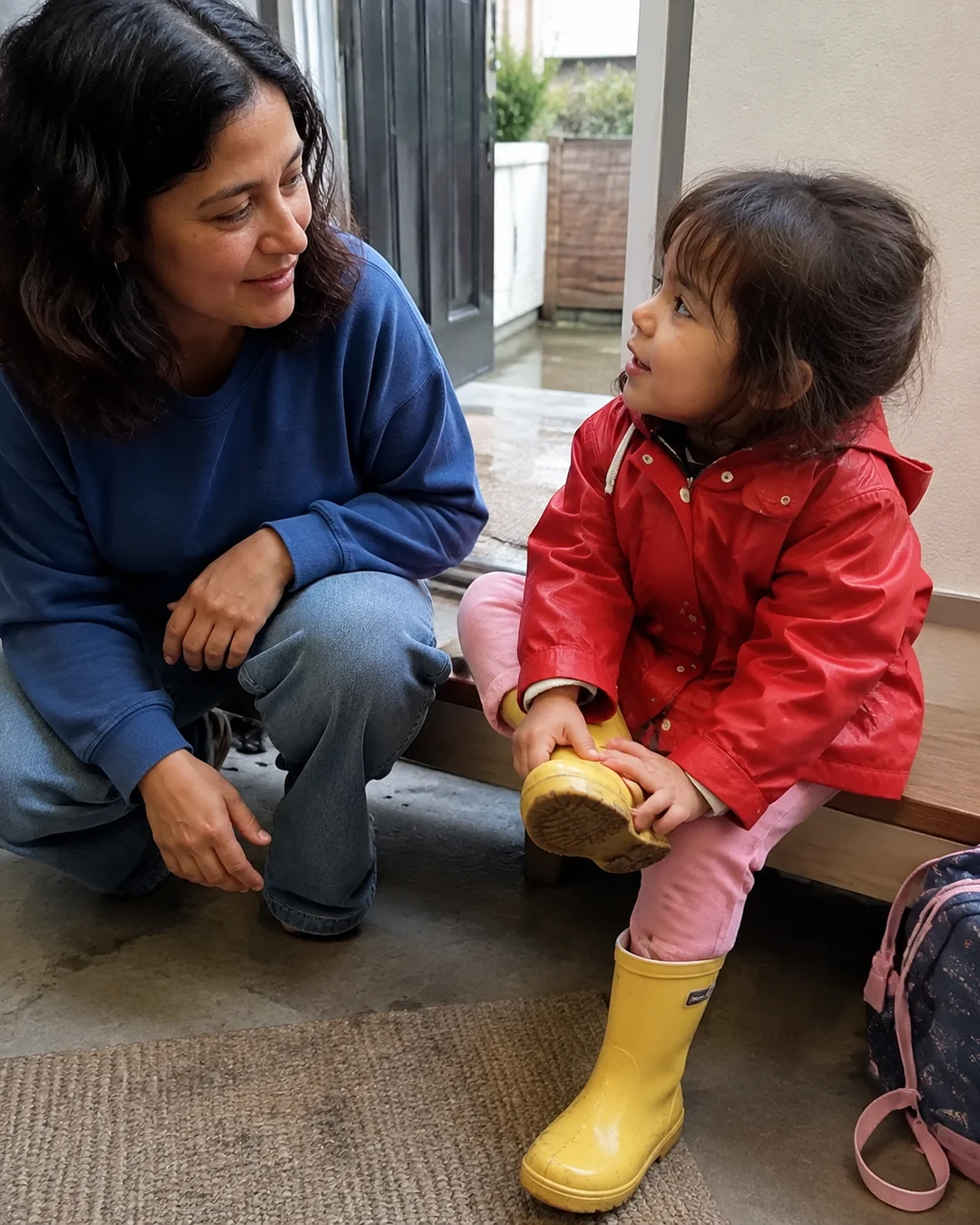



- A 2-second clip a day, shared only with the family members you invite, adds up to the ordinary days, such as breakfast or the walk to school, and seenow! turns each week's clips into a recap video automatically.
What seenow! can’t do
- seenow! is not a backup or long-term storage service, and photos and videos already on your phone cannot be posted to it. Keep your own copies with the steps above.
Core features are free.
POINT
Things to watch for in this situation
Texted and posted copies are not the originals
Photos and videos sent through text messages or posted online are often compressed. If the only copy of a video is the one you texted to Grandma, ask for it back, but keep the phone's original from now on.
Don't wait until the phone is full
Exporting is easiest a year at a time. Ten years of photos at once can take days and is easy to put off again.
Pick fewer, keep them better
Your kids will not watch 40,000 clips. Mark favorites as you go, so the photo books and the copies you check each year focus on the moments that matter.
FAQ
Frequently asked questions
Is a synced cloud photo library a backup?
Not by itself. Apple says deletions in iCloud Photos happen on every device, and the library is not duplicated in your iCloud backup. Keep at least one more copy that you control.
Which file format will still open when my kids are grown?
For photos, the Library of Congress prefers common formats such as JPEG, PNG and TIFF, at full resolution and without copy protection. Keep the originals and make JPEG copies of the favorites.
How often should I check my backups?
Once a year is a good habit. Open a few files from each copy, and move everything to new drives every few years.
Are printed photos still worth it?
Yes. A yearly photo book or a box of prints does not depend on any account or device, which makes it a useful extra copy of the best moments.