GUIDE
I want recordings of my 2- and 5-year-old singing, reciting poems and chatting, so we can hear their little voices years from now. How do I record them so the files will still play?
By the seenow! teamLast updated:
Use the voice recorder already on your phone or computer, in a quiet room, at the highest quality setting it offers. Then export each recording out of the app, give it a name with the child, age and song, and keep it in a common format such as WAV in two places.
WHY
Why this happens
Photos keep a child's face. A voice is harder to keep. The way a 2-year-old sings "Twinkle, Twinkle" with half the words missing, or a 5-year-old reads a picture book in her serious voice, changes within months. Most families have thousands of photos and almost no audio, because a recording feels like a project and a photo takes a second.
The bigger worry is whether the recordings will still play. Many parents remember cassettes and camcorder tapes that nothing in the house can play anymore. Digital files have the same risk in a different form: a recording can be stuck inside one app, on one phone, in a format that may be hard to open in twenty years. The Library of Congress's advice on personal audio comes down to taking the files out of the app, naming them, and keeping copies in more than one place.
| Choice | What it means for a home recording |
|---|---|
| Preferred | Uncompressed files, such as WAVE (WAV), at the resolution they were recorded |
| Acceptable | CD-quality 44.1 kHz/16-bit WAVE files |
| Lossless over lossy | If a file is compressed, lossless compression is preferred over lossy |
Source: Library of Congress Recommended Formats Statement: Audio Works
HOW TO
What you can do starting today
Record with what you already have, in the quietest roomNo app needed
The voice recorder app on your phone or computer is enough. Turn off the TV, the dishwasher and any fans, sit close to your child and hold the phone still, with the microphone pointed toward them. Short is fine: one song, one poem, one story about their day. Let them hear themselves afterward. Many kids ask to do another one.
Choose the highest quality settingNo app needed
Look for an audio quality option in the recorder's settings. In Voice Memos on a Mac, Apple's guide says you can choose Compressed for smaller, lower-quality files or Lossless for high-quality, larger files. A few minutes of a child's voice is small even at high quality, so choose the better setting. Also check how long the app keeps deleted recordings, in case one is removed by accident.
Source: Apple Support, Voice Memos User Guide for Mac: Change settings in Voice Memos
Export each recording out of the appNo app needed
A recording that lives only inside an app is easy to lose when you change phones. The Library of Congress's steps for personal audio are to identify your recordings, decide which ones matter, export them, organize them and make copies. Use the app's share or export option to save each file to a computer folder, and if the app offers a WAV or uncompressed format, pick it.
Source: Library of Congress, Personal Archiving: Digital Audio
Name each file so you'll know it in 20 yearsNo app needed
Rename every file with the child, age, date and what it is, such as emma-age5-2026-11-twinkle-twinkle. The Library of Congress also suggests keeping basic information with the files, including the date you exported them. A short text file in the same folder listing who sang what is enough.
Source: Library of Congress, Personal Archiving: Digital Audio
Keep two copies and move them forwardNo app needed
Keep one copy on your computer and another on a separate drive or online storage, ideally in another building. The Library of Congress's audio guide suggests making new copies every five years or whenever needed, and checking at least once a year that the files still open. When you replace a computer, copy the whole folder over and play a few files.
Source: Library of Congress, Personal Archiving: Digital Audio
WITH SEENOW!
Doing it with seenow!
seenow! is a family app for short videos, about 2 seconds a day, shared in a private group. It is not a voice recorder, but it can add a daily record alongside the songs and stories you save.
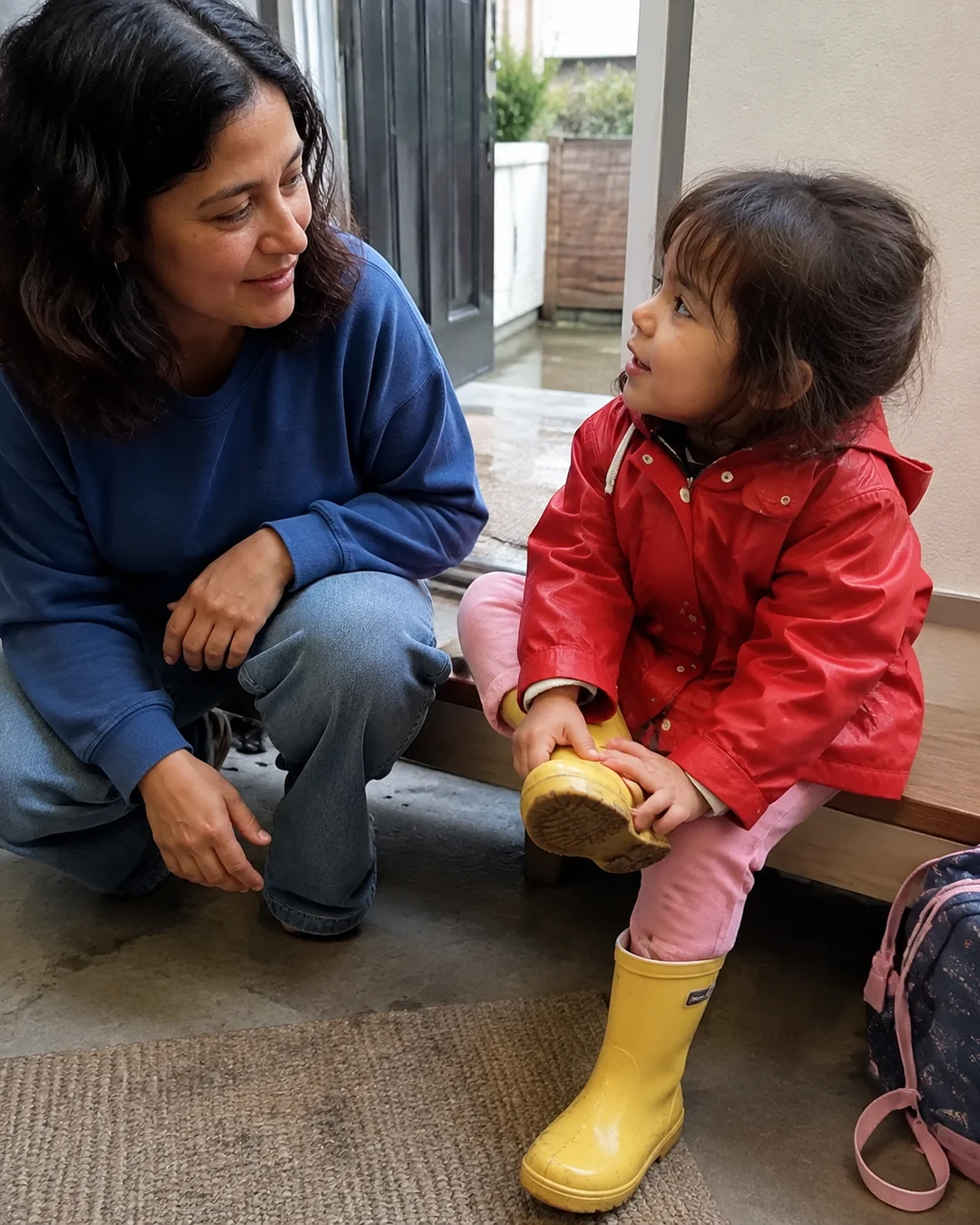
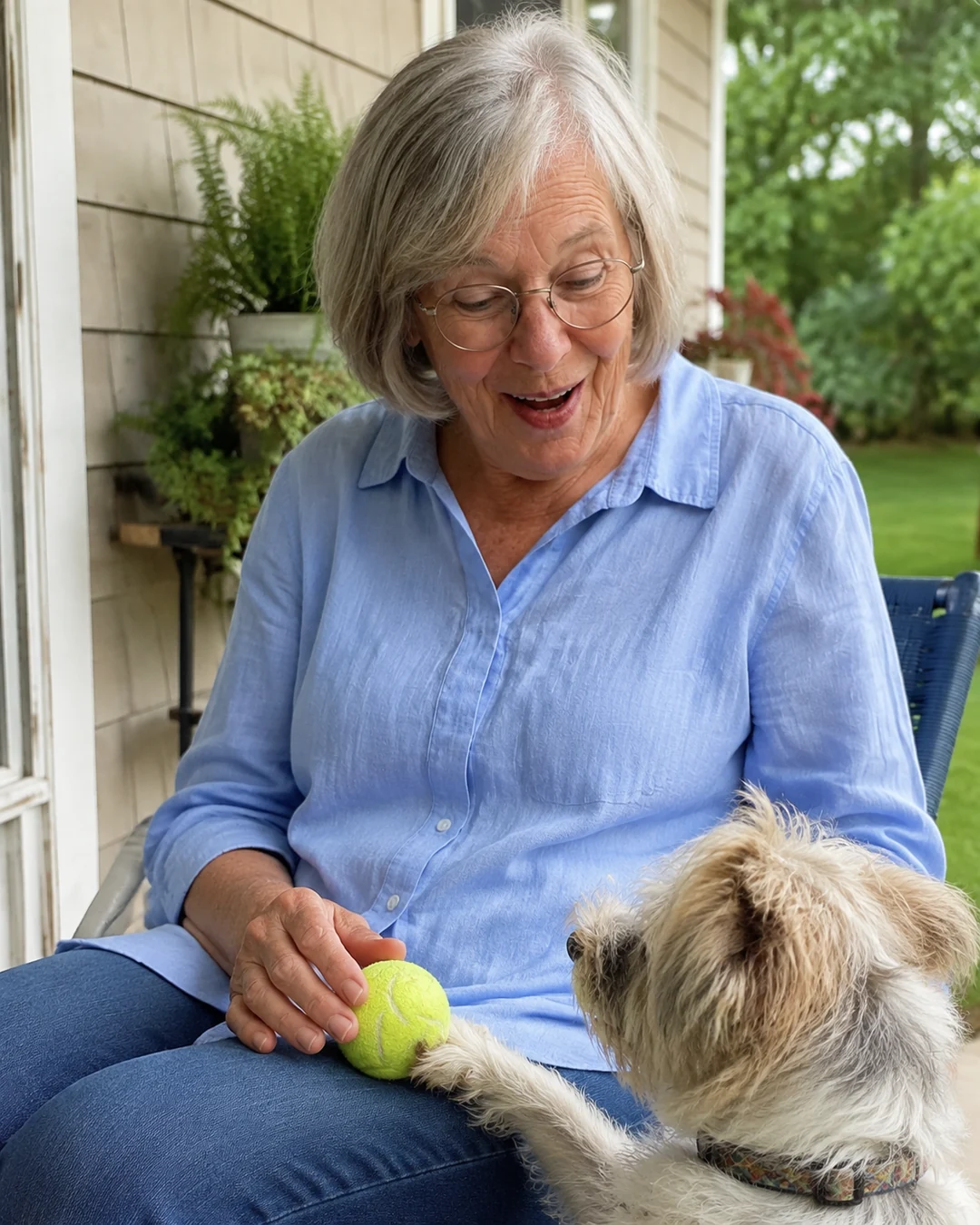
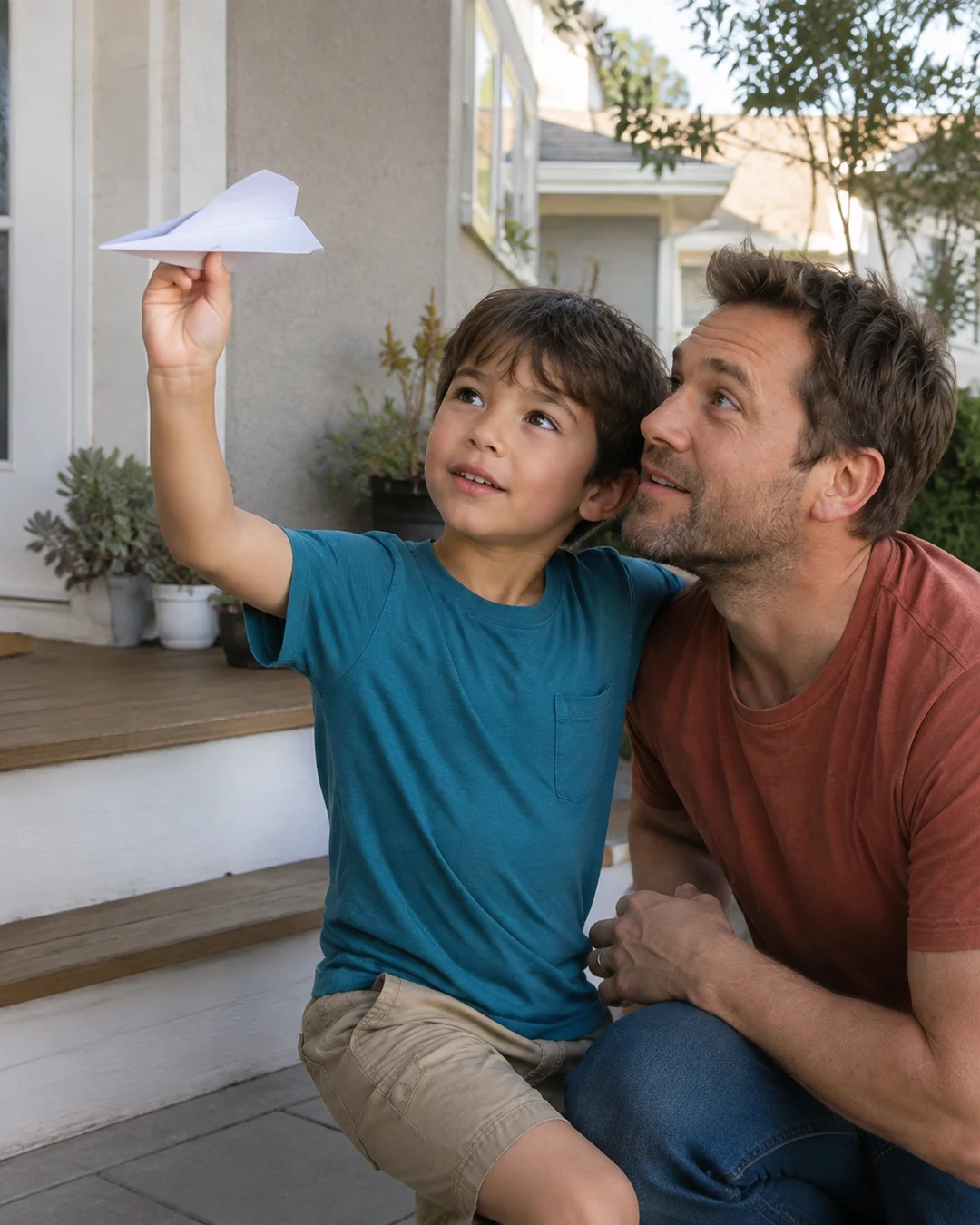
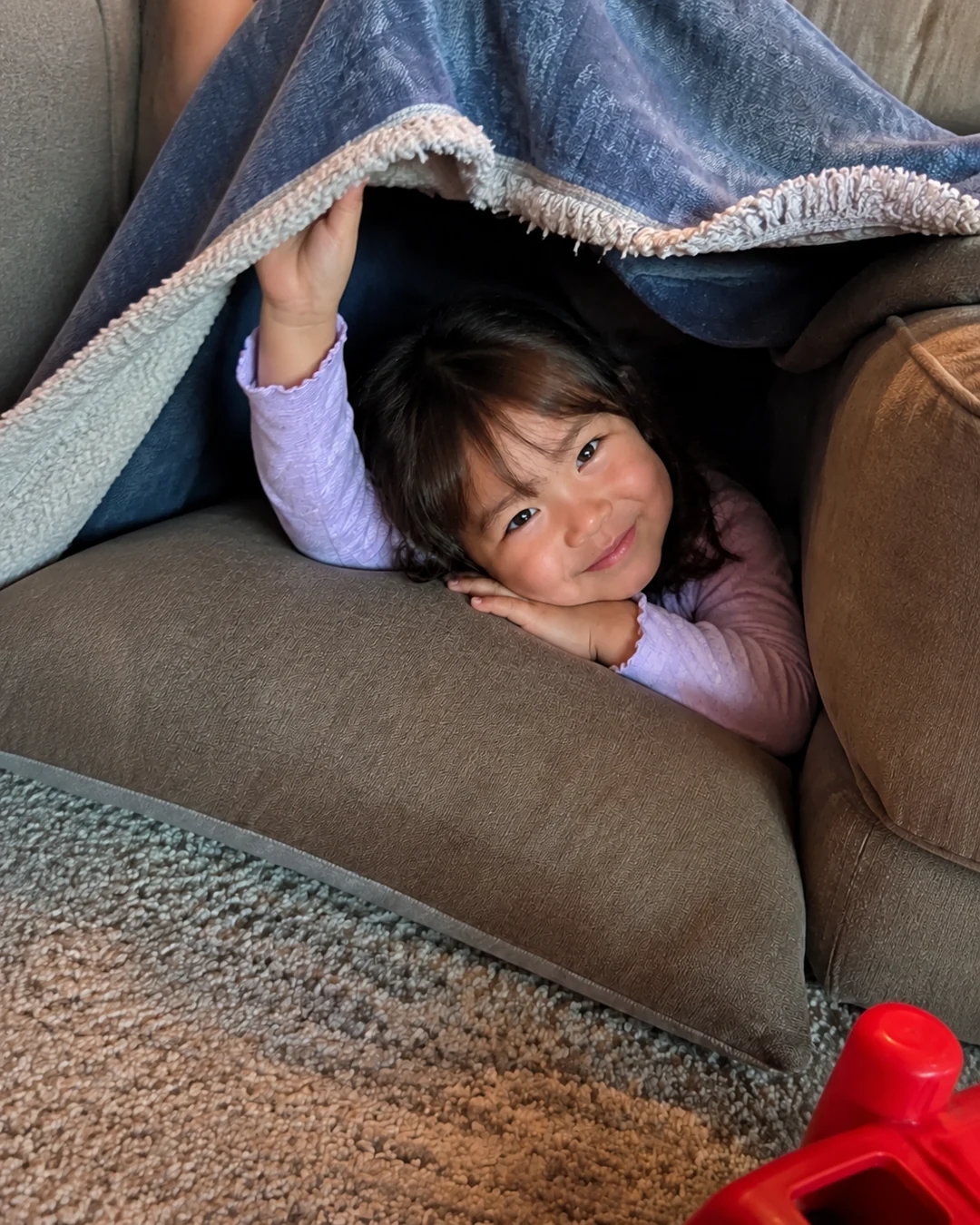
- A 2-second video a day keeps small, everyday moments, such as a wave at the door or a first try at a word, and seenow! puts each week's clips together into a recap video automatically.
What seenow! can’t do
- Two seconds is far too short for a song, a poem or a story. Use your phone's voice recorder for those.
- seenow! cannot post audio files or videos from your camera roll, and it is not a place to archive your recordings. Keep your own copies of the files.
Core features are free.
POINT
Things to watch for in this situation
Don't make it a performance
Kids freeze when they feel watched. Record while they're already singing in the bath or playing with toys, and start the recorder before you ask. The chatter around the song is often what you will want most later.
Record the same thing again later
A favorite song or bedtime poem recorded again on a later birthday lets you hear how a voice changed. Keep the title the same in the file names so the recordings sort together.
FAQ
Frequently asked questions
Is MP3 good enough?
MP3 is compressed in a way that drops some sound to save space. The Library of Congress prefers uncompressed or lossless files for keeping. If your app only saves compressed files, keep them, but use the highest quality the app offers.
Should I record audio only or video?
Both are worth keeping. Audio-only recordings make it easier for kids to forget the phone and just sing, and video shows their faces too. Whatever you choose, export and copy the files the same way.