GUIDE
I've written down my kids' funny sayings since they were born, but the notes are scattered across journals and calendars. How do I keep them in one place?
By the seenow! teamLast updated:
Give each child one running note on your phone and write every saying the same way: date, age, the exact words, and one line of context. Use voice recording when your hands are full. Then spend one evening moving the old journal and calendar notes in, and print the collection once a year.
WHY
Why this happens
Funny sayings arrive at the worst moments: in the car, at bath time, halfway through cooking dinner. You grab whatever is closest. One goes on the kitchen calendar, one in the baby book, one on the back of a receipt, one in a text to your partner. Each note made sense when you wrote it. Five years later they are spread across a shelf of calendars and three half-filled journals, and the ones you didn't write down are already gone.
The problem isn't effort. Plenty of parents write things down faithfully for years. The problem is that a note with no date, no age and no context loses most of its meaning. "Hostipal" is cute; "Age 3, telling Grandpa he visited the hostipal to see the new baby" is a memory. And words that you remember perfectly this week tend to blur once a younger sibling starts saying funny things too.
The fix is to choose one place that is always in your pocket, use the same short format every time, and make the old paper notes catch up once. Your phone's built-in note and journal apps already do most of what you need.
HOW TO
What you can do starting today
Choose one home per child, on your phoneNo app needed
On an iPhone, the Journal app lets you create several journals, so each child can have their own, named and color-coded. On Android, a note in Google Keep with a label for each child works the same way, and Keep allows up to 50 labels. If you and your partner share a Keep note, both of you can add to it, and your labels and colors stay visible only to you.
Source: Apple iPhone User Guide: Write in your journal on iPhone / Google Keep Help: Organize your notes (Android)
Write every saying in the same four partsNo app needed
Date, age, exact words, context. For example: "Mar 3, 2026, age 4: 'I'm not tired, my eyes are just closed.' Said from bed after asking for a third story." Write the words the way they came out, mispronunciations and all. The context line is what will make you laugh again in ten years.
Talk instead of type when your hands are busyNo app needed
On an iPhone, touch and hold the Journal icon and choose Record Audio. You can add the transcript to the entry afterward, though transcription works only in English. On Android, Keep lets you tap Create Recording, then Speak, and keeps the audio with the note. Hearing your own voice repeat the line a minute after your child said it captures the timing better than typing later.
Source: Apple iPhone User Guide: Add formatting, photos, and more in Journal on iPhone / Google Keep Help: Create or edit a note (Android)
Spend one evening moving the old notes inNo app needed
Gather the calendars, baby book and journals in one pile. Go through them oldest first and type each saying into the right child's journal or note, with the date the calendar gives you. If you can't tell which child said something, write "one of the kids" rather than leaving it out. Keep the paper originals in one box; your handwriting is part of the memory.
Print the collection once a yearNo app needed
Pick a fixed day, such as each child's birthday, and print that year's sayings on a few pages. Put them in a binder or slip them into the photo book if you make one. Kids love hearing what they used to say, and a printed copy survives a lost phone.
WITH SEENOW!
Doing it with seenow!
seenow! is a family video app, not a notebook, so it plays a small part here.
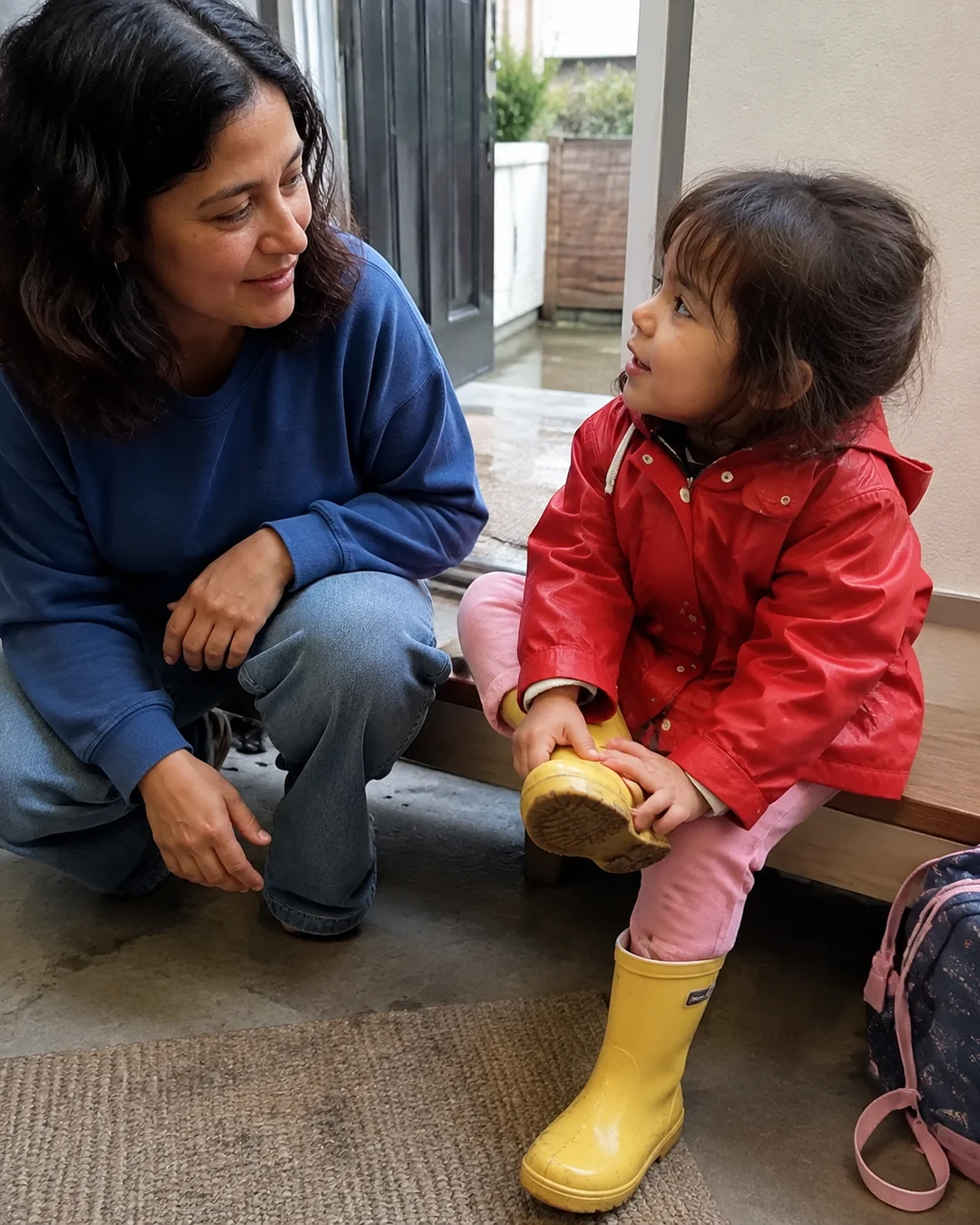



- Clips in seenow! are 2 seconds by default. That's enough to catch your child's face right after a funny line, and the app turns the week's clips into a recap video on its own, which can remind you of moments you meant to write down.
What seenow! can’t do
- seenow! doesn't keep written notes or transcripts, and a 2-second clip is too short for most sayings. The words themselves still belong in your journal or note.
Core features are free.
POINT
Things to watch for in this situation
Back up the note itself
A note that lives only on one phone disappears with that phone. Check that your notes or journal app is included in your phone's backup, and keep the yearly printout as a second copy.
Think before sharing the funniest ones
A saying that's adorable at 4 can feel embarrassing at 12. Keep the collection mostly for your family, and let your child decide later which ones get told at parties.
FAQ
Frequently asked questions
Is a paper journal still worth keeping?
Yes, if you enjoy it. Just make one of the two the main home and copy into it regularly, so the sayings don't split again.
What if I only remember the gist, not the exact words?
Write the gist and mark it "roughly." A half-remembered line with a date and age is far more useful than nothing.