GUIDE
My daughter just had her first kindergarten picture day, and both grandmas want a copy. How do I keep 13 years of school pictures organized from the start?
By the seenow! teamLast updated:
Decide the system once, in kindergarten: one keeper print per child per year, labeled on the back in soft pencil, in one archival album or box with a sleeve for each grade, plus a digital copy named by school year. Settle the grandparents' copies before you order, so extra prints don't pile up.
WHY
Why this happens
Picture day is one of the few school traditions almost every family shares. NCES counts 49.6 million students in public elementary and secondary schools in fall 2022, 32.5 million of them in kindergarten through eighth grade, and at many schools picture day comes around every fall. If your child's school holds one each year, kindergarten through senior year adds up to 13 picture days, plus retakes, class photos and sometimes a spring session.
The trouble is that each picture day arrives on its own, with an order form and a deadline, and nobody stops to plan the whole run. One year you order a big package because the grandparents asked; the next year you order the smallest one; a third year the envelope sits in a drawer. By middle school there are sheets of wallet-size prints in three places and no complete set for anyone.
The first picture day is the easiest time to fix this, because there is only one photo to place. Whatever system you choose now just repeats every fall.
HOW TO
What you can do starting today
Decide who gets a copy before you fill out the formNo app needed
Make a short list this year and reuse it: one keeper print for your child's set, one for each grandparent who wants one, and maybe one for your fridge or desk. Order to that list rather than to the package that looks like the best deal. Leftover sheets of prints are the main reason school photos end up scattered. If grandparents prefer a digital copy they can look at on their phone, ask them once and write it on the list.
Label the keeper print the archival wayNo app needed
On the back of the keeper only, near the edge, write the child's name, grade, school year and school with a soft graphite pencil, the way the Library of Congress suggests if a photo must be marked. Press lightly. Better still, write the details on the sleeve or envelope that holds the print, which the Library of Congress says is preferable to marking the photo itself. Skip pens and markers.
Source: Library of Congress: Care, Handling and Storage of Photographs
Give all 13 years one home per childNo app needed
Choose one album with clear sleeves, or one flat box with paper envelopes, for each child, and mark 13 slots from K to 12 now. Clear sleeves let you flip through the years without taking prints out, which the Library of Congress notes cuts down on handling; paper envelopes are easy to label in pencil. Either works if you skip tape, sticky notes, glue, paper clips and rubber bands, which the same guidance warns against, and hold prints by the edges.
Add the class photo and anything else from that year behind the portrait, so each slot tells the whole grade.
Source: Library of Congress: Care, Handling and Storage of Photographs
Keep a digital copy named by school yearNo app needed
If your package includes a digital file, save it right away. If not, photograph the keeper print flat, near a window, for your own family album. Name each file the same way every year, for example "2026-27_K_Emma", and keep them in one folder per child. At graduation, those 13 files make an easy slideshow, and the prints stay safe in the album.
WITH SEENOW!
Doing it with seenow!
seenow! won't hold the portraits themselves, but it can keep the part of picture day the photographer doesn't capture.
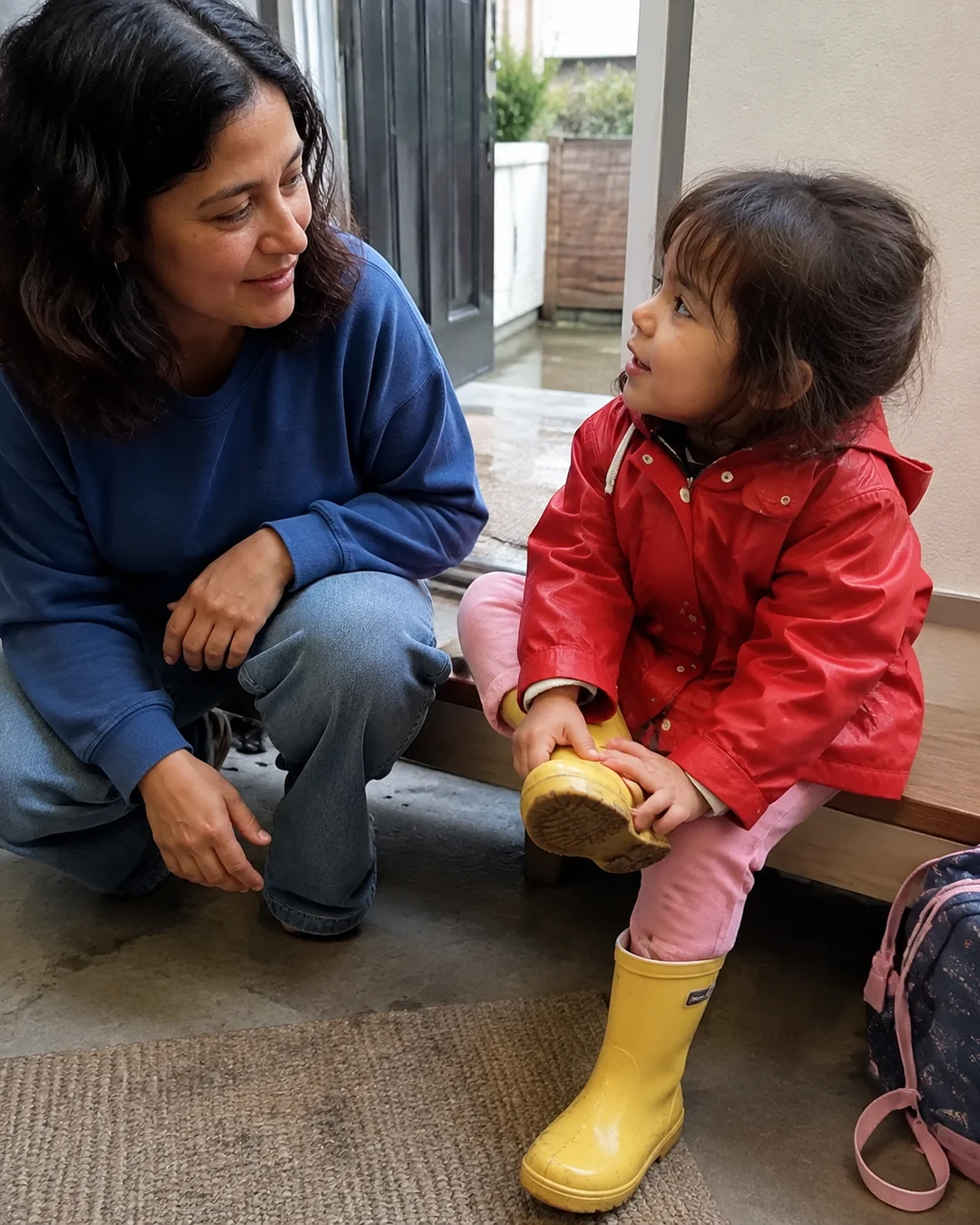


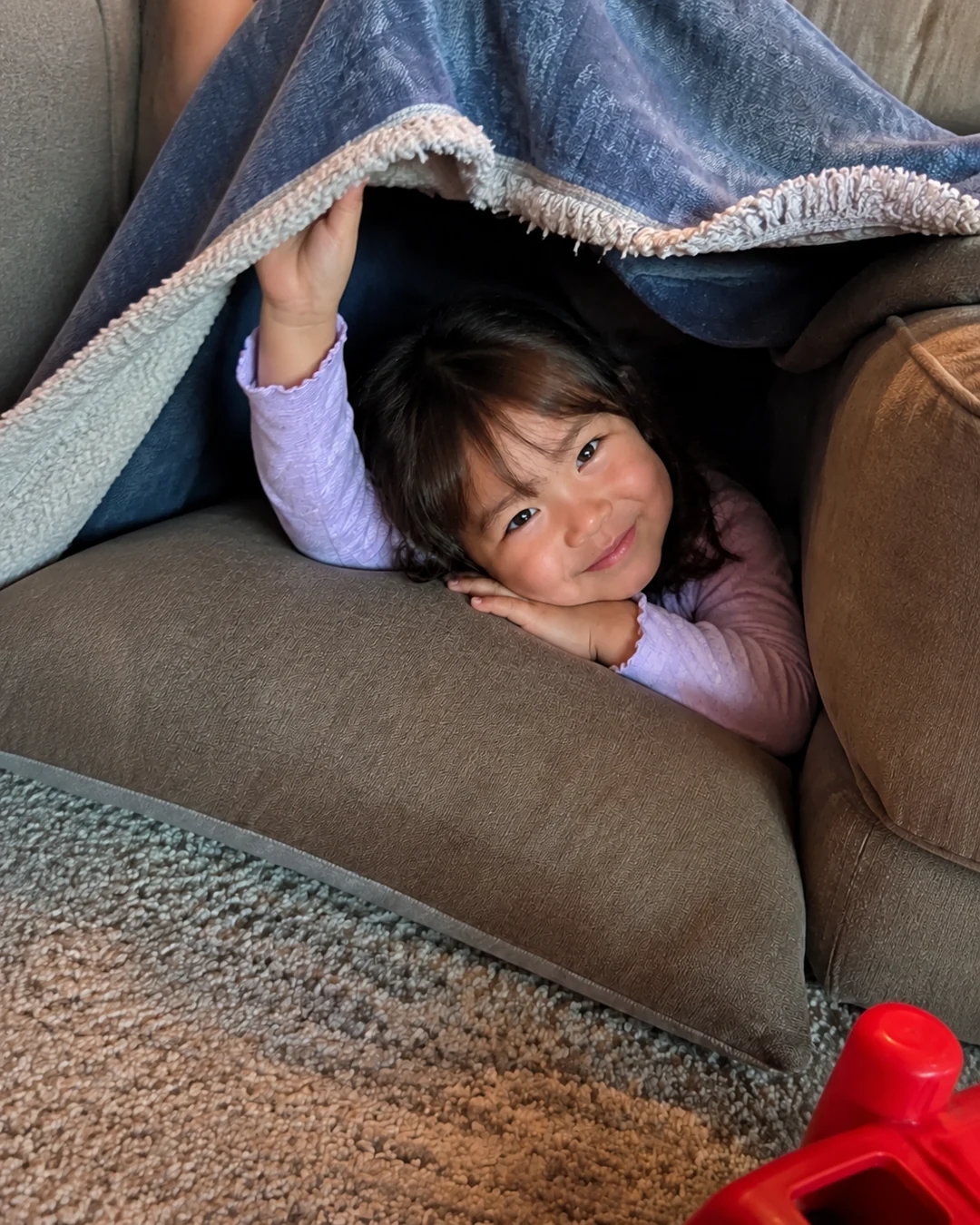
- On picture day morning, take a 2-second clip with the seenow! camera of your child in the chosen outfit, saying their grade. Post it to a family group that both grandmas are in, and they get the picture-day moment the same day, long before the prints arrive.
What seenow! can’t do
- Only photos and videos taken with the seenow! camera can be posted. The school portrait, a scan of it, or a digital file from the photo company can't be added to seenow!, so keep those in your own folder and album.
Core features are free.
POINT
Things to watch for in this situation
Keep the album indoors
Store the album or box in a closet inside the house rather than in the garage or attic. Twelve years is a long time for prints to sit through hot summers and damp winters.
Leave room for retakes
If your child has a retake, decide which shot is the keeper and give the other one away. One portrait per grade keeps the set easy to look through.
FAQ
Frequently asked questions
Should I buy school pictures every year?
That is a family choice. If you want a complete set, one keeper print a year is enough; some families skip the portrait package in some years and use a photo they took that fall instead, labeled with the grade.
Is there a frame for all 13 school pictures?
There are frames with an opening for each grade from K to 12. If you use one, consider framing copies and keeping the original keeper prints in the album, since framed photos are exposed to light every day.