GUIDE
I'm the one who sends pictures of our toddler to both sets of grandparents, and the side that lives farther away ends up seeing far less. How do I even it out?
By the seenow! teamLast updated:
Stop sending photos one by one to each side. Put the everyday pictures in one album both sets of grandparents follow, add to it on a set rhythm, and give the farther side one extra touch they can count on, such as a weekly short video or a few prints in the mail.
WHY
Why this happens
When one parent handles the photos for the whole family, the split between the two sides is rarely planned. It follows habit. The grandparents who live close see the toddler on Sundays and get pictures of the visit the same day. The ones who live a flight away are in a separate text thread that you remember to update when things are quiet, and quiet is rare with a two-year-old.
In a forum thread on why kids often seem closer to one set of grandparents, members pointed to distance and to who keeps in touch, and several members described themselves as the one sending pictures to both sides. That's the pattern here: the gap is usually not about love but about routing. Whoever is easier to reach, or replies faster, or uses the same kind of phone as you, gets more.
The fix is to remove the routing decision. If both sides look at the same place, they see the same pictures, and the farther side isn't relying on you to remember them.
HOW TO
What you can do starting today
Make one album that both sides followNo app needed
Create a single shared album on your phone for the grandkids' everyday photos and invite all four grandparents, or both couples, into it. Everything you would have texted to one side goes there instead. Both sides get the same pictures at the same moment, and nobody has to ask what they missed. If the close-by grandparents already get photos in person, that's fine: the album is the floor, not the ceiling.
Add a caption so both sides get the same storyNo app needed
The side that's nearby hears the story behind a photo in person; the far side often gets the picture alone. On iPhone and iPad, Apple's guide says that when you add photos to a shared album, the people you share it with receive a notification, and any caption you add appears with that notification and in the album's activity. One line, such as "First time on the big slide at the park," gives both sides the same story at the same moment.
Apple's guide also says that by default every participant can view and comment, add photos and videos, and remove what they added. As the organizer, you can set each person to Can Manage Album and Photos, Can Add Photos, or Can View and Comment. Letting both sets of grandparents add photos means the kids see their side too, which makes the album feel shared rather than sent.
Source: Apple iPad User Guide: Contribute to a shared album on iPad / Apple iPad User Guide: Add and remove people in a shared album on iPad
Know what a shared library is forNo app needed
On iPhone, iCloud Shared Photo Library may look like the answer, but Apple describes it as sharing with up to five other people where every participant can add, edit and delete content, and each person can join only one Shared Library. The creator also provides the iCloud storage for all of it. Apple's Camera can add photos automatically when you're near participants, which suits two parents sharing photos with each other. For grandparents who only want to look, a shared album is usually the simpler choice.
Source: Apple Support: How to use iCloud Shared Photo Library on iPhone or iPad
Give the farther side one thing they can count onNo app needed
Distance means the far side misses the in-between moments the close side sees in person. Add one small, regular extra just for them: a short video every Sunday evening of the week's best moment, a few prints in an envelope once a month, or a call where your toddler shows them a new toy. Tell them when to expect it, so it feels like theirs.
Ask each side how they like to see photosNo app needed
One set of grandparents may love scrolling an album on a tablet; the other may only check email. Ask once, and set up the album the way each side can actually open it. Getting the same photos in a form they can't open isn't really even.
WITH SEENOW!
Doing it with seenow!
seenow! is a private family app where each member films a short clip, about 2 seconds a day. One group for the whole family is a simple way to give both sides the same view.
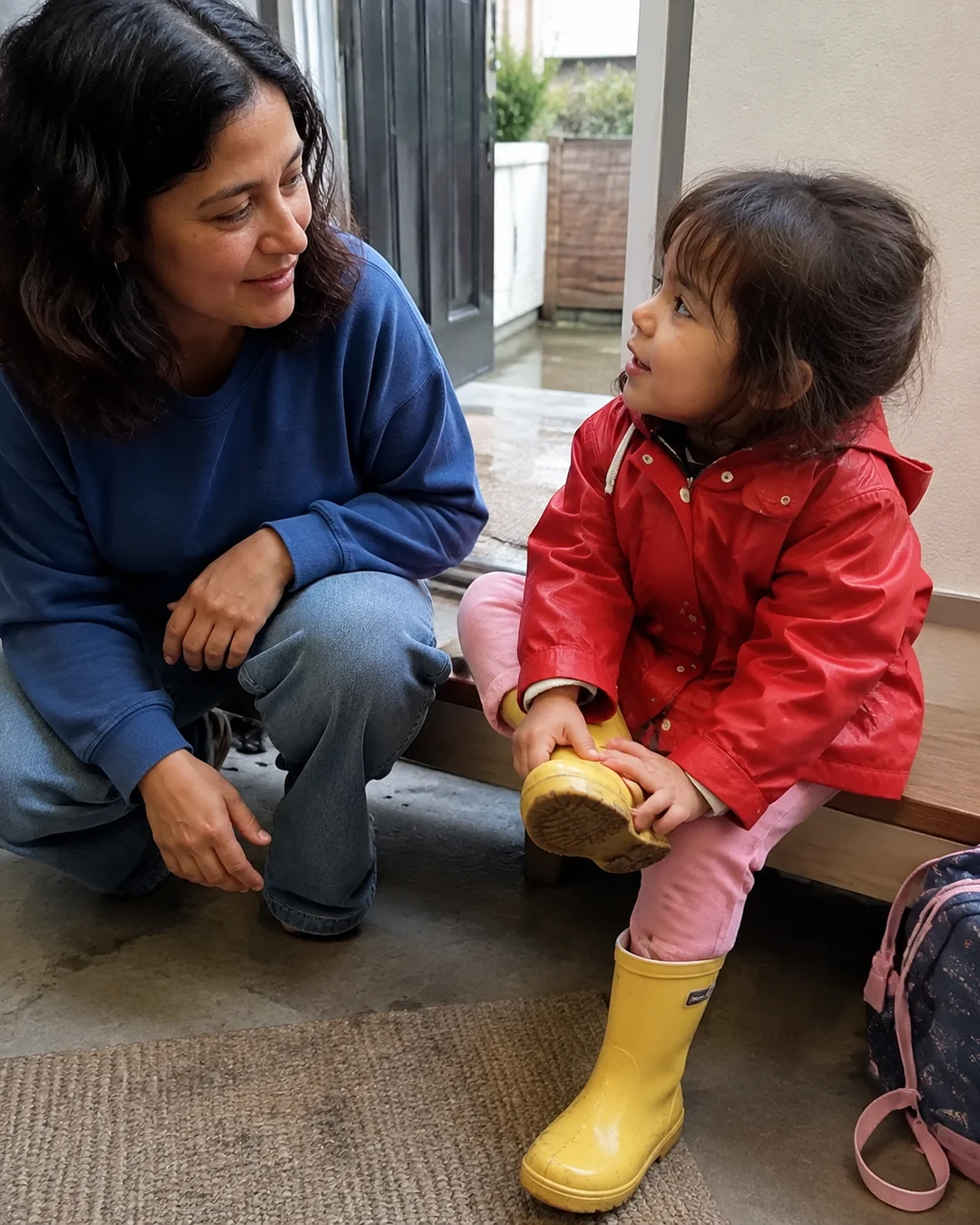

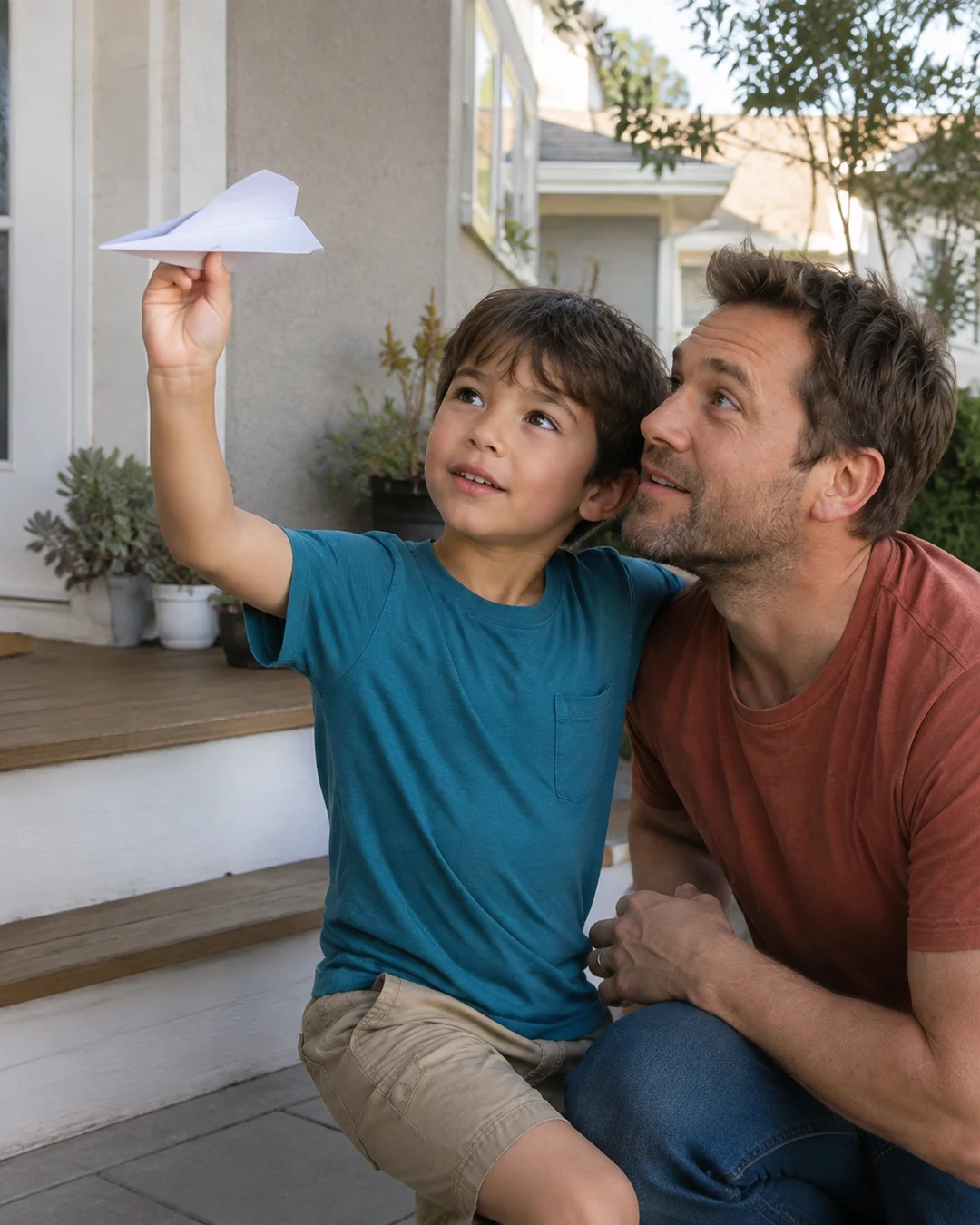
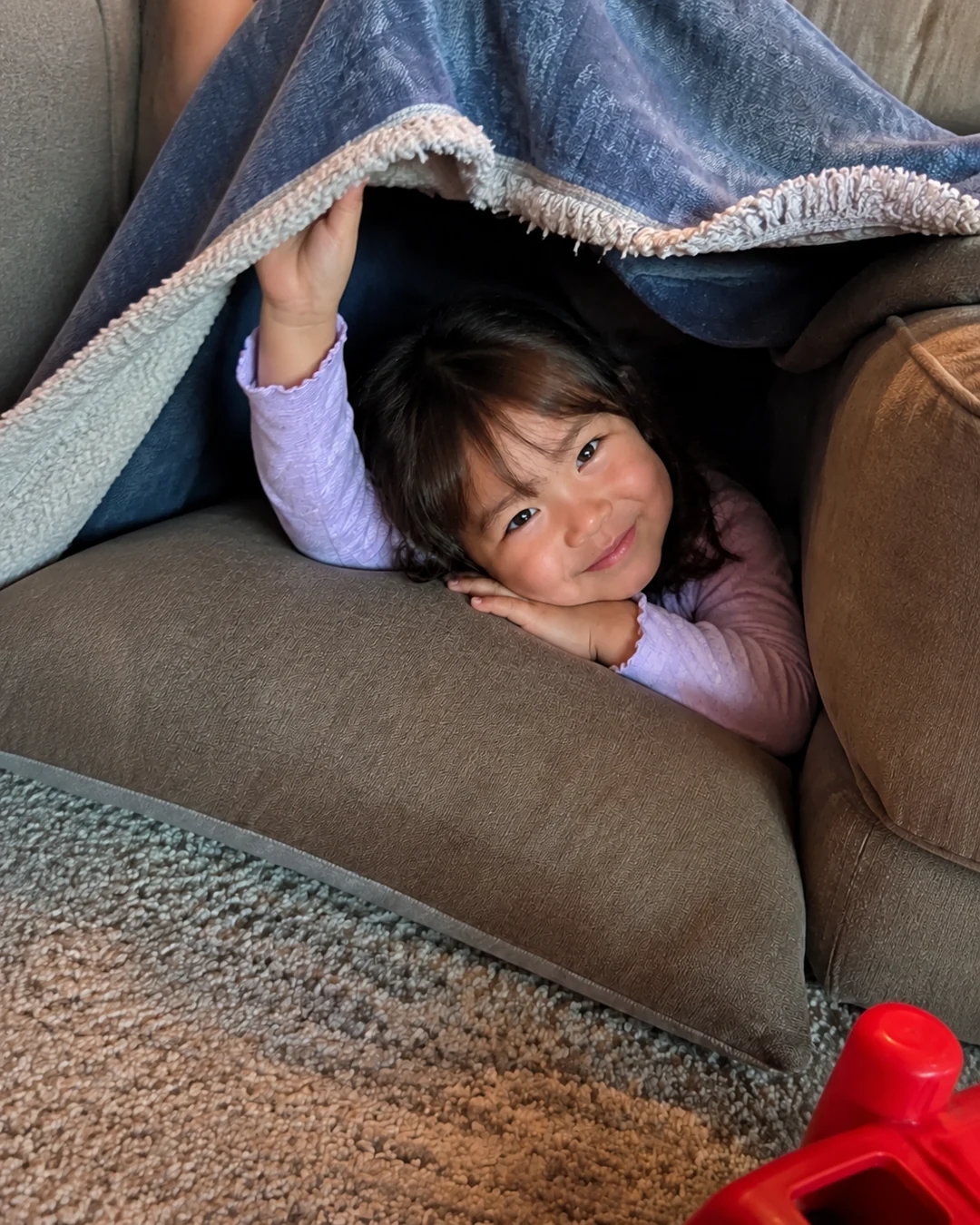
- Only people you invite can see a group, so you can put both sets of grandparents in one family group.
- iPhones and Android phones can be in the same group, so it doesn't matter which side uses which kind of phone.
- Everyone gets a notification when a family member posts, so the farther side hears about new clips at the same time as the side nearby.
What seenow! can’t do
- You can post only what you shoot with the seenow! camera, so photos already in your camera roll cannot be added to the group.
- seenow! doesn't print or mail photos, and it doesn't replace visits or calls with the side you see less.
Core features are free.
POINT
Things to watch for in this situation
Watch the comparison talk
If one side comments that the other sees the kids more, keep the answer about logistics: "Everything goes in the album, so you see what they see." It's harder to feel left out of a place everyone shares.
Keep separate threads for separate news
A shared album for both sides works for everyday photos. Family news that belongs to one side, like a cousin's wedding plans, can still go in each side's own thread.
FAQ
Frequently asked questions
Should both sets of grandparents be in the same group chat?
For photos of the grandkids, one shared album usually works better than one big chat, since each person can look when they like and nobody has to keep up with replies.
The nearby grandparents see the kids every week. Isn't that uneven anyway?
Visits will never be equal when distances differ. What you can even out is what each side sees between visits, and that's where a shared album and a small regular extra for the far side help.
What if one side doesn't use a smartphone?
Send that side prints by mail on a set schedule, or ask a relative near them to show them the album on a tablet when they visit.