GUIDE
Our grandkids play soccer and baseball and take dance, and we live several states away. We miss every game and recital and only hear the score days later. How can we follow along?
By the seenow! teamLast updated:
Ask the parents to share the season schedule as a calendar that shows game times in your own time zone, then follow a few games closely instead of all of them: a good-luck call before, one short clip from the day, and a call afterward where your grandchild tells you about it.
WHY
Why this happens
Youth activities fill a lot of American family weekends. In the Census Bureau's report A Child's Day, released in January 2026, 38.4 percent of the 50.2 million children aged 6 to 17 in 2023 played sports and 26.8 percent took lessons such as music or dance. A grandchild who does both can have a game, a practice and a rehearsal in the same week, and the schedule changes from one season to the next.
For grandparents several states away, that adds up to two problems. The first is information. Game times live in a team app, a coach's email or a parent's head, and by the time anyone mentions the game, it is over. The second is attention. Busy parents on the sideline cannot report every inning, and a text with only the score tells you little about how your grandchild played or felt.
You don't need to follow every game to stay part of the season. What children notice is that someone far away knew the game was today and asked about it afterward.
HOW TO
What you can do starting today
Ask the parents for a shared season calendarNo app needed
Instead of asking for the schedule every week, ask the parents to put games, recitals and tournaments on one calendar and share it with you. In Google Calendar, Google says they choose a permission such as See event details, and you get an email with a link you need to click to add the calendar. Google also says events show up in the local time zone of anyone invited, so a 9 a.m. Saturday game in Denver appears at 11 a.m. on a New York grandparent's calendar.
On iPhone, Apple's guide says a parent can share an iCloud calendar by adding your name or email address, and can turn Allow Editing off so the schedule stays theirs. If the change alerts get to be too many, you can turn off Shared Calendar Changes under Settings > Notifications > Calendar > Customize Notifications.
Source: Google Calendar Help: Share your calendar / Google Calendar Help: Use Google Calendar in different time zones / Apple iPhone User Guide: Share iCloud calendars on iPhone
Choose a few games to follow closelyNo app needed
Pick one or two games a month, plus the big days: the first game, a tournament, the end-of-season party, the recital. Tell your grandchild which ones you are "coming to" from home, so they know you will be thinking about them that day.
Call before, not just afterNo app needed
A short good-luck call the evening before or on the drive to the field is easier for busy parents than a call during the game. Ask what position they are playing or which song they are dancing to, so you have something to ask about later.
Ask your grandchild to tell you the storyNo app needed
After the game, skip "Did you win?" and ask questions only they can answer: What was the best play? What did the coach say? Which part of the dance was hardest? Keep notes on a paper by the phone, the way some grandparents follow the details of soccer moves or play practice, so you can follow up next time.
WITH SEENOW!
Doing it with seenow!
seenow! is a private family app where everyone shares a short clip, about 2 seconds a day. It cannot show you a whole game, but it fits the moments around one.
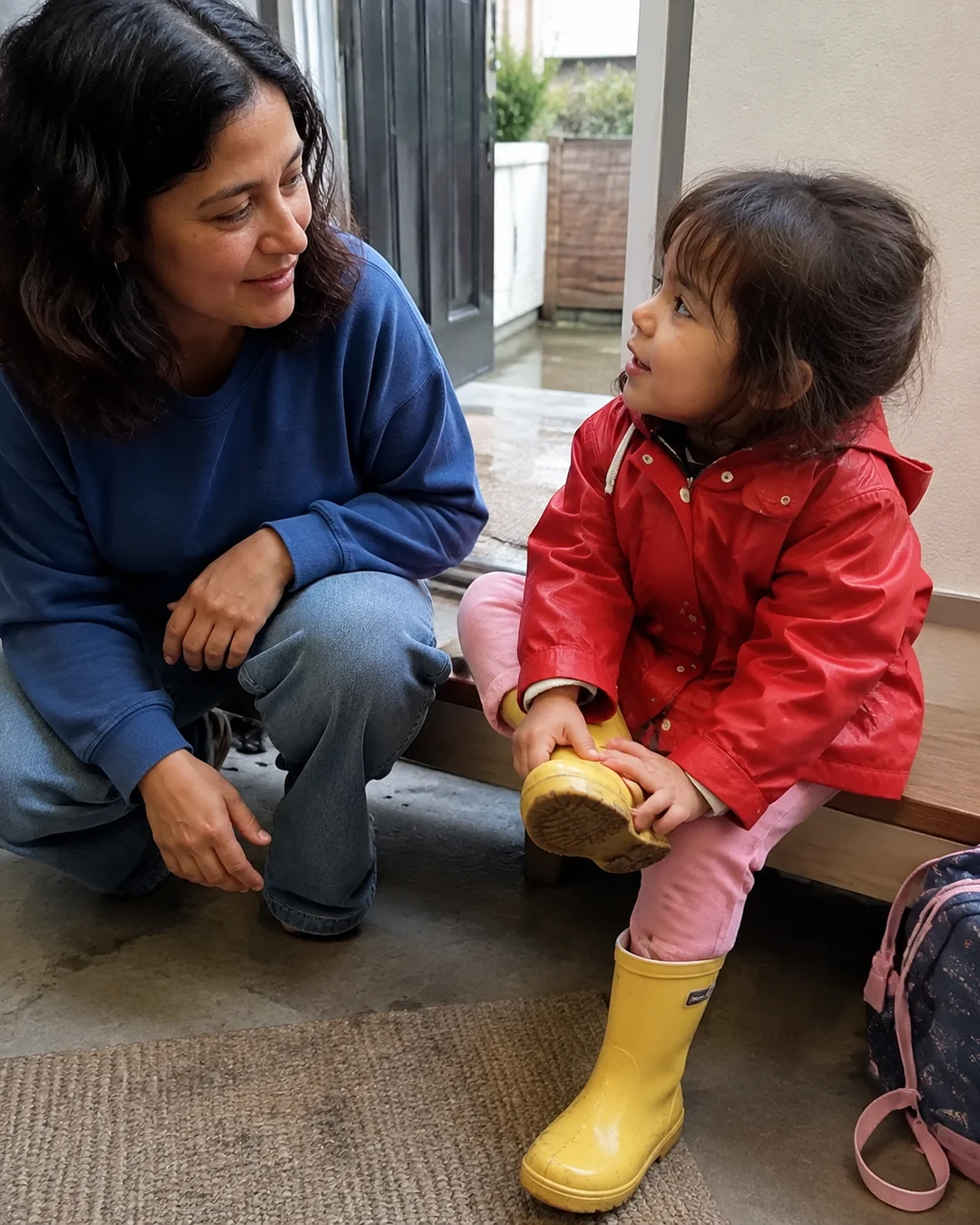



- On game or recital days, the parents can post 2 seconds of your grandchild lacing up cleats, warming up, or taking a bow at home afterward. You get a notification when they post.
- Each week, the clips the family took are put together automatically into a recap video, so a busy season of Saturdays turns into something you can watch in one sitting.
What seenow! can’t do
- seenow! cannot livestream a game or recital, and each clip is only a couple of seconds long.
- It doesn't hold schedules or game times. Use a shared calendar for that.
Core features are free.
POINT
Things to watch for in this situation
Whether to film or stream is up to the event
Leagues, schools and dance studios each have their own rules about recording and streaming, and some offer their own recording. Let the parents check those rules; a call afterward works whether filming is allowed or not.
Don't ask the parents to narrate every game
A play-by-play text thread keeps the parent on their phone instead of watching their child. One photo or clip, and a call later, is plenty.
Let a hard game be theirs to talk about
Not every game goes well. If the parents mention a tough loss or a stumble on stage, let your grandchild decide how much to talk about it.
FAQ
Frequently asked questions
Can we see the schedule without the parents retyping it for us?
Yes, if they keep the season on a shared calendar. With Google Calendar or an iCloud calendar, they add your email once, and new games show up on your calendar as they add them.
The game times confuse us because we're in a different time zone. What helps?
Google says events show in each invited person's local time zone, so the time on your calendar is already your time. Double-check with the parents around daylight saving time changes.
We can visit once a season. Which event should we pick?
Pick one your grandchild cares most about, like a recital, a tournament or the last game, and tell them early so they can look forward to it.