GUIDE
I wanted to record one second of video every day of my baby's first year, but I keep forgetting days and overthinking which second to keep. How do I actually finish it?
By the seenow! teamLast updated:
Make it a habit, not a judgment call: tie the clip to one fixed time with a repeating phone reminder, record a few seconds of whatever is happening, trim it later, and assemble the video month by month instead of waiting for the first birthday. A missed day is a gap, not a failure.
WHY
Why this happens
A second a day sounds like the smallest project there is, and that is the trap. Because it is so small, nothing reminds you to do it. There is no class, no appointment and no deadline until the first birthday, which is hundreds of days away. With a newborn, days blur together, and it is easy to reach bedtime and realize nobody picked up the phone at all.
The second problem is choosing. When a whole day has to fit into one second, every clip starts to feel like it has to be the best moment of the day: the first smile, the funny face, the perfect light. Parents who try this often say they spent more time deciding than recording, and the project quietly stops in the second or third week.
It helps to see how small the finished video really is. The length is simple arithmetic, and it shows why every clip does not need to be special: no single second carries the year.
| Clip length per day | Days | Finished video |
|---|---|---|
| 1 second | 365 | about 6 minutes |
| 2 seconds | 365 | about 12 minutes |
| 1 second, with 30 missed days | 335 | about 5 minutes 35 seconds |
HOW TO
What you can do starting today
Attach the clip to a fixed time with a repeating reminderNo app needed
Pick a moment that already happens every day, like the first bottle after work or bath time, and set a repeating reminder for it. On iPhone, Reminders lets you set a due date and a Repeat option; note that a reminder with a date but no time pops up at 9:00 AM by default, so give it a real time. On Android, the Clock app lets you make an alarm repeat by tapping the days of the week and give it a name such as "Baby's second." If you can't record when it goes off, Snooze pushes it back 10 minutes.
Source: Apple Support: Use Reminders on your iPhone, iPad, or iPod touch / Android Help: Set, cancel, or snooze alarms on your Android device
Record a few seconds, then trim, so you never have to choose liveNo app needed
Instead of hunting for the perfect second, record three to five seconds of whatever the baby is doing right now and stop thinking. Pick the second later, in a calm minute. In Photos on iPhone, use Save as New Clip when you trim: Apple says that keeps the original and saves the short version separately. If you choose Save Video instead, only the trimmed version is kept, and Apple notes a clip saved as new can't be stretched back to its original length either, so keeping the original is the safe choice.
Source: Apple Support: How to edit videos on your iPhone, iPad, Mac, or Apple Vision Pro
Keep everything in one album and decide your missed-day rule nowNo app needed
Make one album called something like "Baby's first year, 1 second" and add each day's clip right after you trim it. Decide ahead of time what happens on a missed day: leave the gap, or take two clips the next day. Both are fine. Deciding in advance stops one forgotten day from turning into a reason to quit.
Put the video together at the end of each monthNo app needed
On the first of each month, drop the previous month's clips into a video editor in date order and export a short monthly video. Each one is only about 30 seconds long. At the first birthday you join twelve finished pieces instead of facing 365 loose clips, and you have something to share with family every month along the way.
WITH SEENOW!
Doing it with seenow!
seenow! is a private family app built around exactly this kind of habit: a short video, about 2 seconds, each day, shared with family you invite.
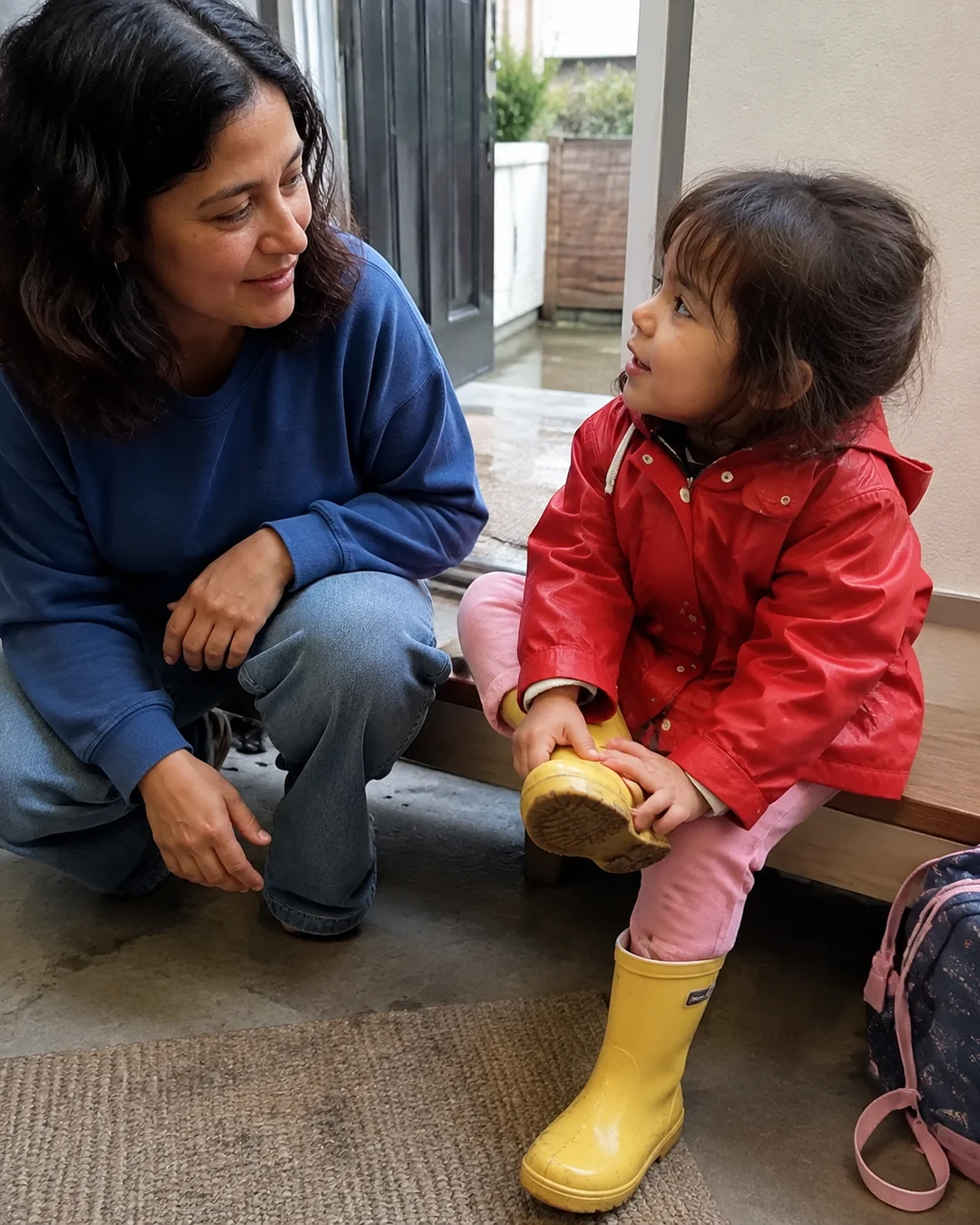



- Each clip is about 2 seconds by default, so the "which moment" question is already small, and you shoot it right in the app instead of trimming later.
- Every week seenow! automatically turns that week's clips into a recap video, with no editing. You see your progress every week instead of waiting a year.
- If grandparents or your partner post too, the rule that you see that day's posts from others only after posting your own gives everyone a gentle daily reason to pick up the phone. Only the family members you invite can see any of it.
What seenow! can’t do
- seenow! clips are about 2 seconds, not 1, and the app makes weekly recaps, not one video of the whole first year. If you want a single year-long movie, keep the steps above for that.
- Only clips taken with the seenow! camera can be posted. Clips you already recorded with your phone's camera can't be added to seenow!.
Core features are free.
POINT
Things to watch for in this situation
Write the start date down
Many families start the count on the birth day, others on the day they came home or on the first of a month. Write the start date in the album's name so the count still makes sense when you look back years later.
Back up the clips, not just the finished video
Once you have trimmed and assembled the clips, it is tempting to delete the originals to free up space. Keep at least the original month albums on a second device or drive until the year is done, so one lost phone doesn't take months with it.
FAQ
Frequently asked questions
What if I miss a week?
Keep going from today. A few missing days barely change a six-minute video, and nobody watching it will count. If you took any other short videos that week, a second from one of them can fill a gap.
Should the clips have sound?
Sound makes the finished video feel alive, especially the baby's voice as it changes. Keep the audio when you record, and decide at the monthly edit whether to use it or add music instead.