GUIDE
I'm the one with the camera at every family holiday, so I end up with lots of photos of my nieces and nephews. How do I get them to their parents without sharing them more widely than they'd want?
By the seenow! teamLast updated:
Ask each set of parents once how they want the photos, then send each household its own private album set to people you choose, not anyone with the link. Let the parents pass pictures on to grandparents, and keep the full set off public pages unless they say yes.
WHY
Why this happens
In a lot of families, one aunt or uncle ends up as the unofficial photographer. You bring the good camera to Thanksgiving, you take the cousins' group shot on the stairs, and by the end of the night you have a few hundred pictures, most of them of kids who are not yours.
The kids' parents usually want those photos. They were busy cooking, refereeing or holding the baby, and your shots may be the only ones of their family that day. But each household has its own comfort level. One sibling posts everything, another keeps the kids off the internet entirely, and a third has never said. When you hold the photos, the decision about where they go lands on you, even though they are not your children.
The fix is to hand that decision back to the people it belongs to. You do the work of taking, sorting and delivering the photos; the parents decide who else sees them. That keeps the peace and still gets the pictures where they are wanted.
HOW TO
What you can do starting today
Ask each set of parents once, and write down the answerNo app needed
Before the next gathering, or in the week after this one, send each sibling or cousin a short, easy question: "I got a lot of pictures of the kids. Want me to send them all to you, or just the good ones? Is it OK if I send some to Grandma, or would you rather do that?" Asking privately, one household at a time, means nobody has to explain their rules in front of the whole family.
Keep their answers somewhere you will find them next year, like a note on your phone. Then you only have to ask again when a new baby arrives or something changes.
Sort by household the same weekNo app needed
Sort while you still remember who is who. Delete the blurry and eyes-closed shots, then make one folder per household on your computer or phone: everything that shows your brother's kids goes in his folder, and the same for your sister's. Group shots of all the cousins go to every household. Sending each family only its own children's photos is easier for them to look through, and it keeps one family's photos from ending up with a household that wasn't asked.
Send each household a private album, not a public linkNo app needed
A shared album is easier for parents than dozens of texts, and it keeps the full-size files in one place. The detail that matters is who can open it. Apple Support says that in iOS 27 and later the album owner chooses in Sharing Options whether only invited or approved people can join, or anyone with the link can join without approval. If someone else gets hold of the link, they can send an access request, which you can approve or decline. Choose the invite-only setting and add only the parents. Apple's limits page says an album made in version 27 or later can have up to 100 participants, including you, so a small album for one household is well within what it was built for.
Whatever app your siblings use, send the invitation or link to the parents directly rather than posting it in a family group chat, and don't forward it beyond them.
Source: Apple Support: How to use Shared Albums in Photos on your iPhone, iPad, or Apple Vision Pro / Apple Support: Shared Albums limits
Use a temporary album if you don't want to keep hostingNo app needed
If you just want to get the photos to the parents and be done, Apple's iPad User Guide describes a Make Album Temporary setting: the album expires after 30 days, participants can see when it expires and save items before then, and temporary albums don't use any iCloud storage. Apple's limits page says a temporary album can hold up to 5,000 photos and videos in total. Tell the parents the date, so they save what they want in time. The same goes if you ever delete a regular shared album: Apple says deleting it permanently deletes all of its photos, while anything the parents saved to their own library stays there.
Source: Apple Support: How to use Shared Albums in Photos on your iPhone, iPad, or Apple Vision Pro / Apple iPad User Guide: Create shared albums in Photos on iPad / Apple Support: Shared Albums limits
Let the parents pass photos onNo app needed
Grandparents and other relatives will ask you for pictures, since they know you took them. If a household asked you to keep its photos to the parents only, the easy answer is, "I sent them all to Jen, ask her for your favorites." That keeps you out of the middle. If the parents are fine with sharing to grandparents, a few printed photos at the next visit are often more welcome than another link.
WITH SEENOW!
Doing it with seenow!
seenow! is a private family app built around short daily clips, so it is not a tool for delivering a camera full of holiday photos. It can help with the everyday side of staying in touch with your nieces and nephews.
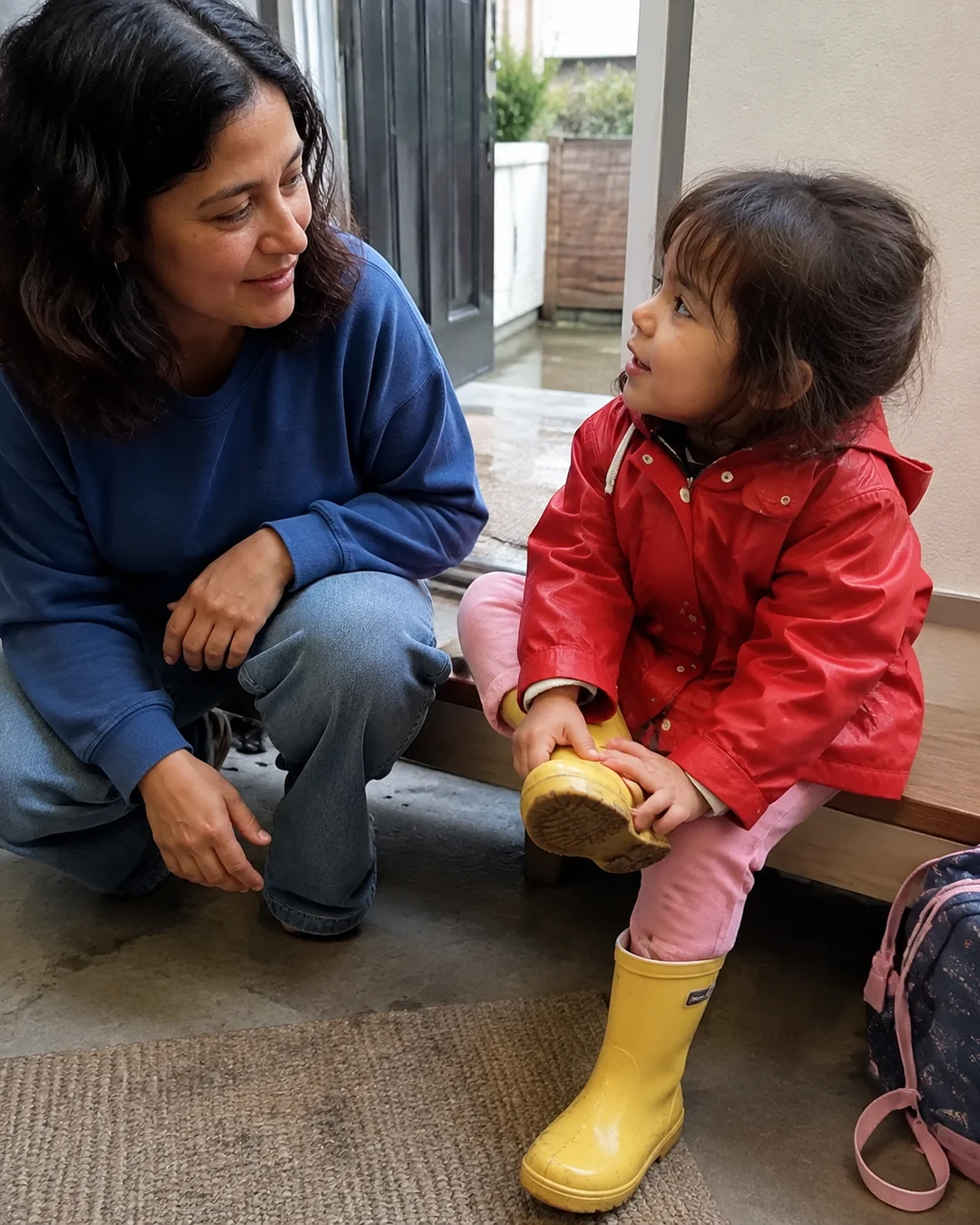



- Only people you invite can see a group, and nothing appears in search or outside the app, so a group made with a sibling's family stays with that family.
- You can make separate groups, for example one with your brother's household and one with your sister's, so each family sees only what is shared with it.
What seenow! can’t do
- You can post only what you shoot with the seenow! camera, so the photos already on your camera or phone from the holiday cannot be posted to seenow!.
- seenow! does not send albums or files to other people, so you still need a shared album, a drive or prints to hand over your holiday photos.
Core features are free.
POINT
Things to watch for in this situation
A group chat is not the same as "the parents"
Dropping a link or a stack of photos into a big family group chat sends them to everyone in it, including in-laws and cousins the parents may not have pictured when they said yes. Send each household's photos to the parents directly.
Your own posts count too
If you want to post a favorite shot on your own page, check with the parents first, even if the photo is mostly of you. Asking takes a minute; most people are glad you asked.
FAQ
Frequently asked questions
Do I really need to ask my own siblings before sending them photos of their kids?
You don't need permission to send parents photos of their own children. The question is what happens next: who else gets them and whether anything goes beyond the family. Asking once settles that for every future holiday.
Should I send every photo or just the good ones?
Ask. Some parents want every shot, others would rather have twenty good ones. If they don't mind, send your favorites first and offer the full set as a second album.
What if one family says yes to sharing and another says no?
Keep their photos separate. Group shots with all the cousins go only to the households, and anything shared more widely should leave out the children whose parents asked you not to.